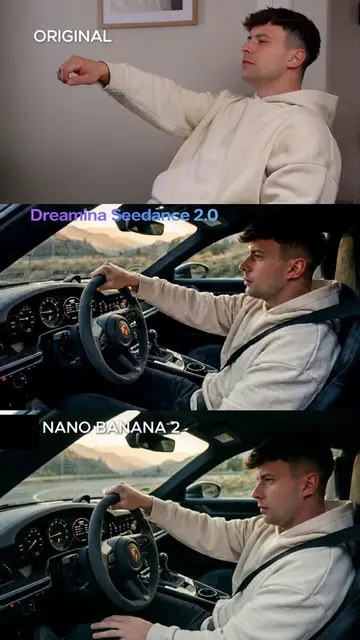
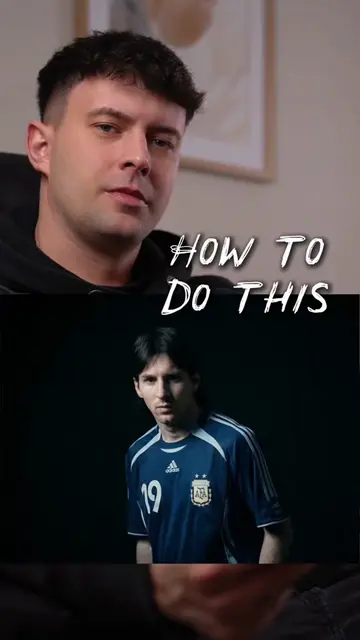
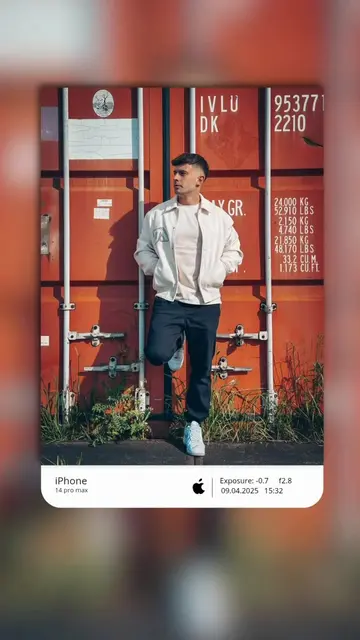
Loading video…
All breakouts
149Silent UGCOther hookAI Tools
Hook
Your next photo idea
@chris.creates.7
290.9K followers · usually 8.0K views a post
Views
945.9K
Likes
28.4K
Comments
76
Shares
1.9K
Promoted product
iPhone 14 Prohttps://www.apple.com/iphone-14-pro/ ↗
Why it worked
The video provides high-value, actionable editing tips in a short, visually satisfying format that encourages viewers to try the same techniques on their own devices.
Summary
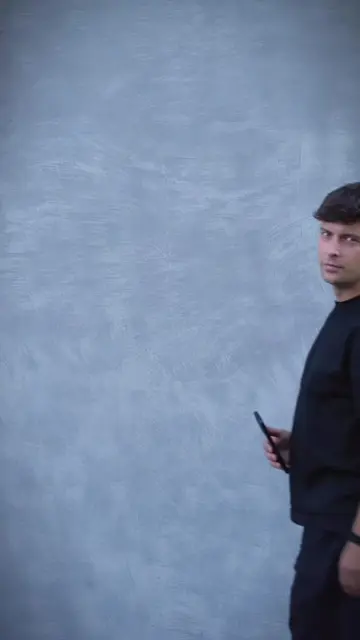
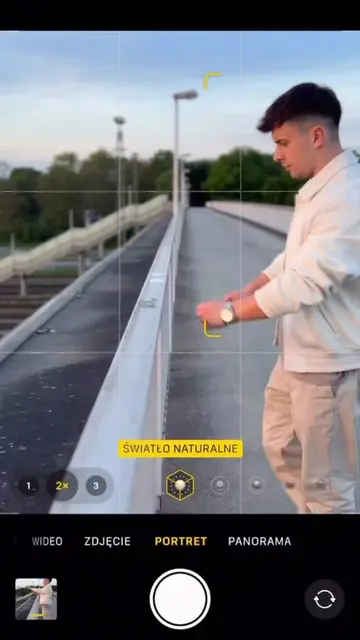
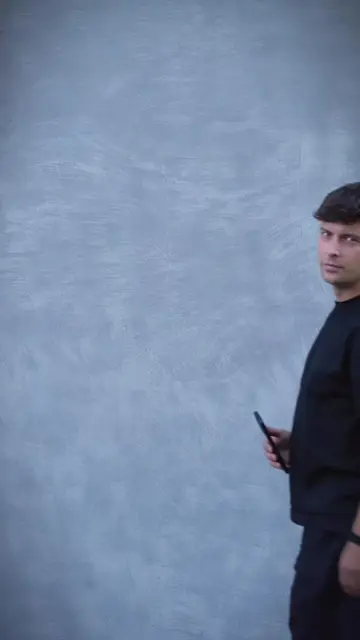
The video demonstrates a step-by-step photo editing process using the native iPhone camera and photo editing tools. It shows the user adjusting settings like brilliance, highlights, and filters to achieve a professional look.
Structure
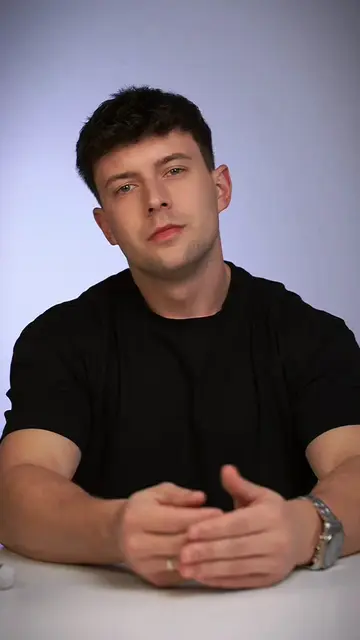
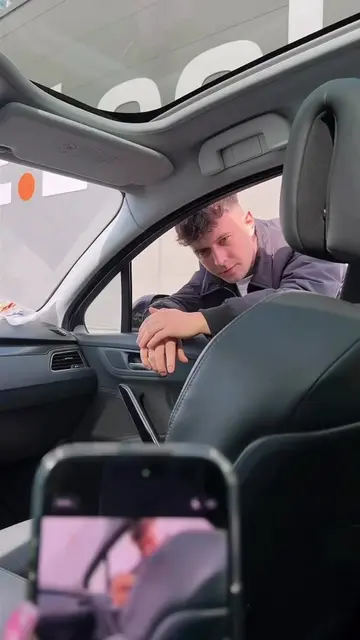
- 1Opening shot of a subject on a bench
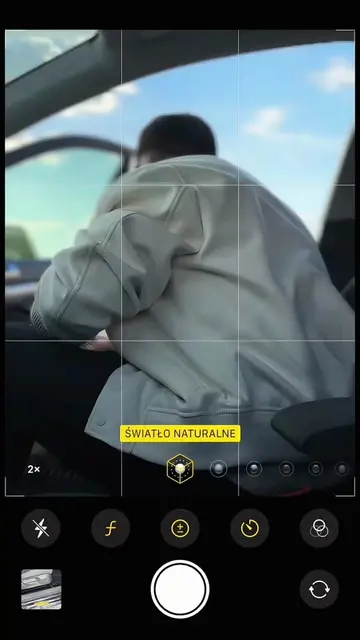
- 2Adjusting camera settings for portrait mode
- 3Applying various photo edits in the gallery
- 4Final reveal of the edited photo
Product placement
The video features the iPhone 14 Pro's native camera interface and photo editing suite as the primary tool for the tutorial.
On-screen text
ŚWIATŁO NATURALNE
BRILLIANCE
HIGHLIGHTS
SHADOWS
CONTRAST
BLACK POINT
VIBRANCY
WARMTH
TINT
DEFINITION
NOISE REDUCTION
ORIGINAL
DRAMATIC WARM
DRAMATIC COOL
Shot on iPhone 14 Pro
Original caption
Your next photo idea 🔥📸 Camera: iPhone 17 Pro #photoideas #mobilephotography #shotoniphone #photography #photographer
More from @chris.creates.7
More breakout videos from this creator.