Loading video…
All breakouts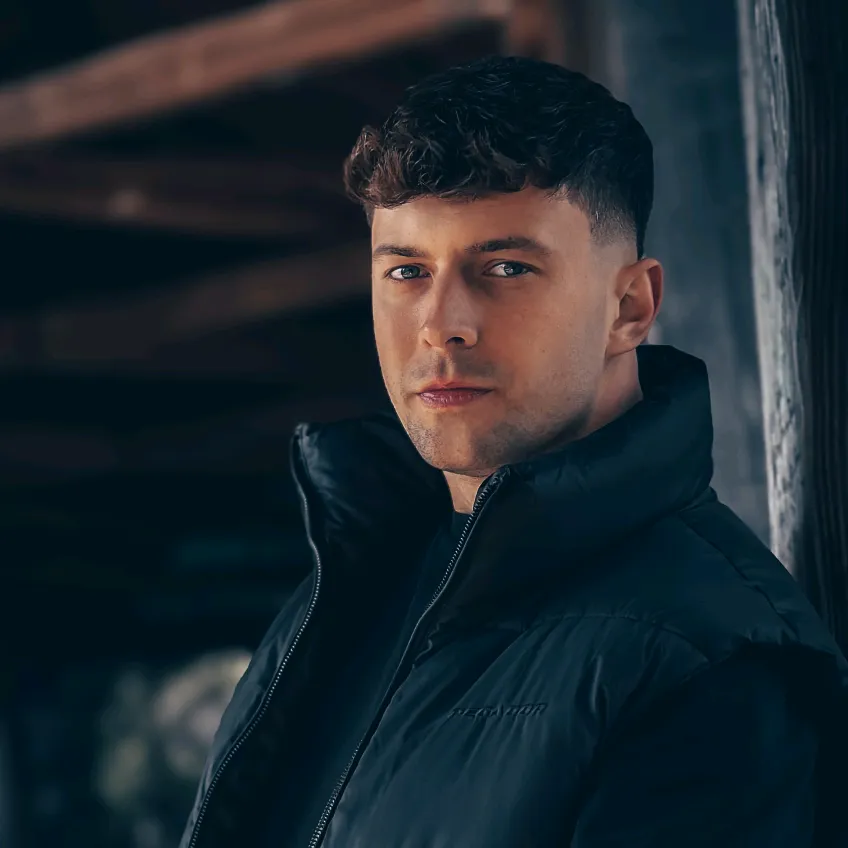
280Silent UGCOther hookAI Tools
Hook
Settings in caption
@chris.creates.7
290.9K followers · usually 8.0K views a post
Views
1.8M
Likes
25.9K
Comments
38
Shares
3.5K
Promoted product
Why it worked
The video provides immediate, actionable value by teaching a specific photography trick that viewers can replicate instantly with their own phones.
Summary
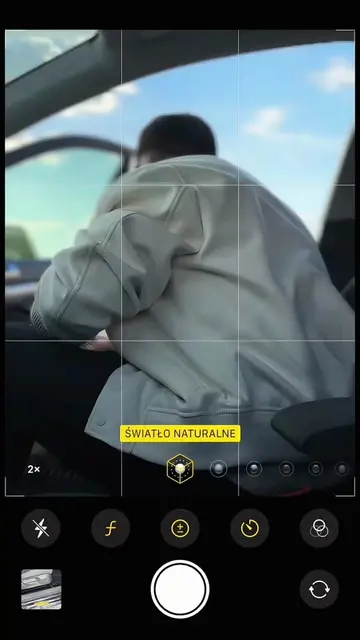
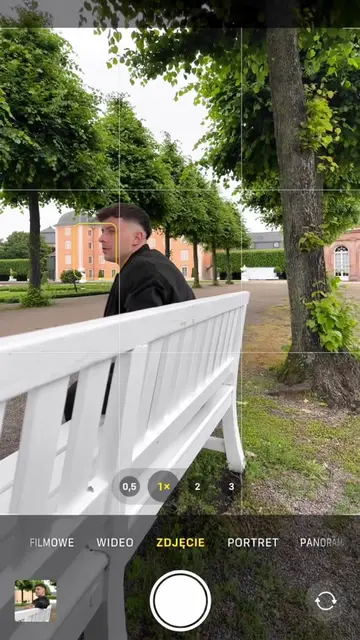
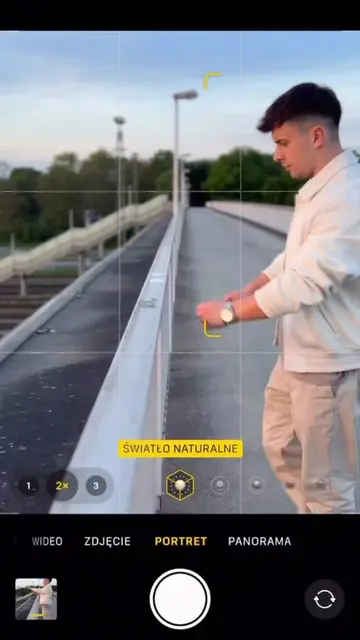
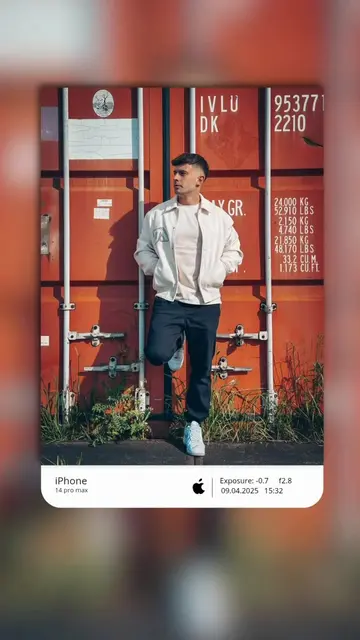
A creator demonstrates how to take a professional-looking portrait photo using an iPhone by adjusting exposure settings. The video shows the camera interface and the final result of the photo session.
Structure
- 1Creator frames a subject in a car
- 2Demonstrates selecting portrait mode and 2x zoom
- 3Shows lowering exposure for contrast
- 4Displays the final high-quality portrait
Product placement
The iPhone camera app is the primary focus of the tutorial.
Call to action
Follow FOR MORE
On-screen text
Settings in caption
Follow FOR MORE
Shot on iPhone 17 Pro
Original caption
Photo idea for your next Insta Story 📸 You can take this photo with any smartphone: • Switch to Portrait mode and select 2× zoom. • Tap the face to focus. • Gently slide your finger down to lower the exposure and add depth and contrast to the photo. #photoideas #mobilephotography #phototricks #photography #shotoniphone
More from @chris.creates.7
More breakout videos from this creator.