Loading video…
All breakouts
19.9Talking HeadHow-To hookCreator Economy
Hook
how to edit
@statusphere
102.3K followers · usually 3.6K views a post
Views
72.1K
Likes
5.1K
Comments
110
Shares
432
Promoted product
Statusphere
Why it worked
The video provides a practical, step-by-step tutorial on a popular video editing technique (text and sticker intros) that is highly relevant to content creators. It uses clear visuals and concise instructions, making it easy to follow and replicate.
Summary
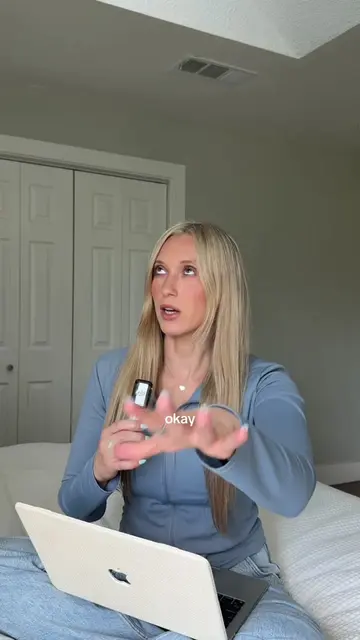
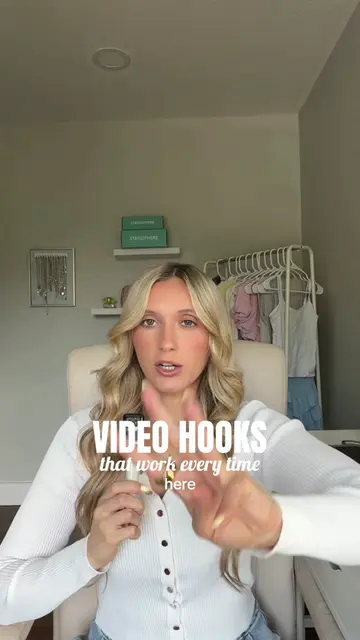
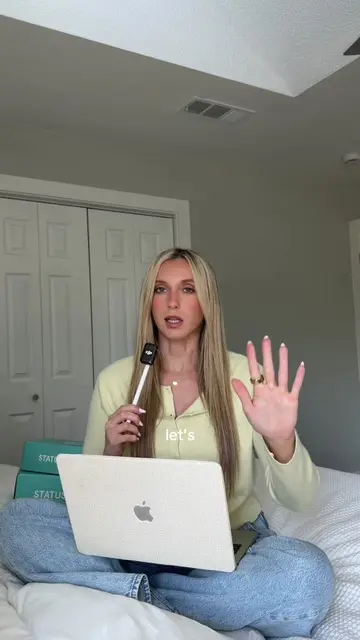
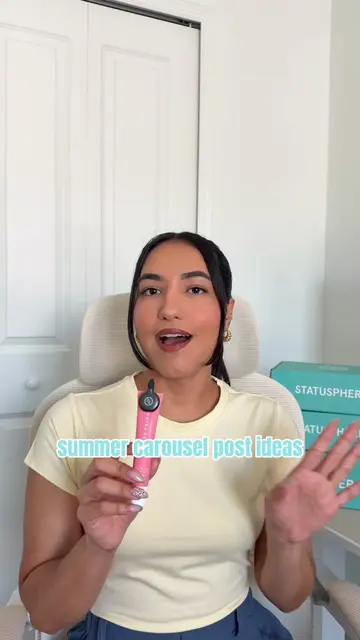
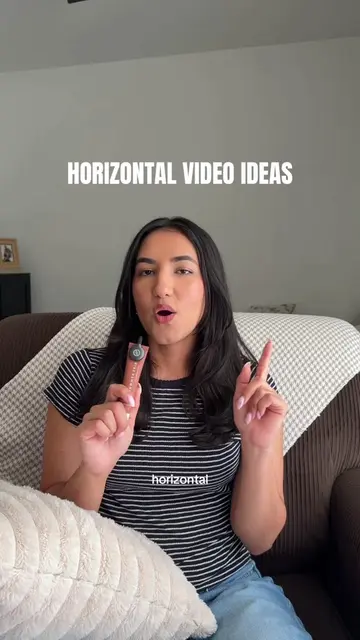
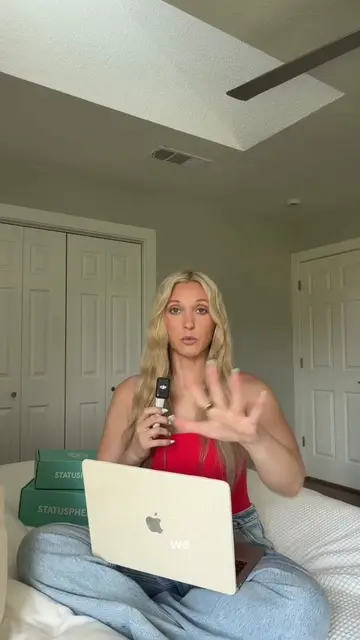
This video provides a tutorial on how to create engaging text and sticker-based video intros using editing software like CapCut. It demonstrates how to add multiple text lines with different animations and control their timing, as well as how to layer stickers and extract sound effects to enhance video intros.
Structure
- 1Introduction to creating text/sticker intros
- 2Editing text clips with animations and timing
- 3Adding stickers as overlays
- 4Extracting and adding sound effects
- 5Final outro and call for tutorial requests
Product placement
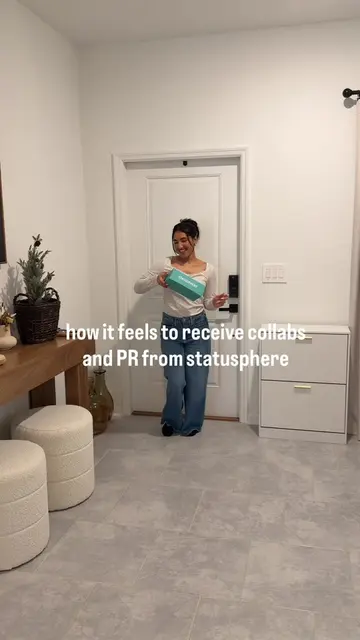
Statusphere (ACTS - it is a platform that matches creators with brands for PR and content, and the video is a tutorial on how to use editing tools, implying creators use it to make content. Removing it would change the video's context as it's presented as a creator resource.)
On-screen text
how to edit
Text + stickers
for your video intros
text
intros
keep
by
statusphere
creators
pr
tips
text
method
or how ever many you want
different
this
appear
clicking
clip
animations
one
or
one
text
sooner
adjust
this
appear
want
overlap
to
button
text
another
stickers
can
make
aesthetic
now
add
overlays
background
them
screen
again
under
text
button
switch
to
overlap
can't
@statusphere
and
pops
sounds
extract
other
creamy
typing
sound
creamy
and
on
audio
extract
sound
vaca
day in my life
of a full time 9-5 girly on PTO
helpful
other
tutorial
Original caption
fun text and sticker video intros are everywhere lately so here’s the editing tutorial for how you can do it too! these make great add on’s to a verbal or visual hook to keep someone watching your video too 👀 #creatorsearchinsights #capcuttutorial #editingtutorial #howtoedit #capcutediting
More from @statusphere
More breakout videos from this creator.