Loading video…
Sound

original sound - margauxlikes
margauxlikes · Original audio
0:00–:––
Playing this video’s own audio, so you’ll hear the creator over the sound.
Hook
Posted Aug 6, 2026Video · 0:56by @margauxlikes
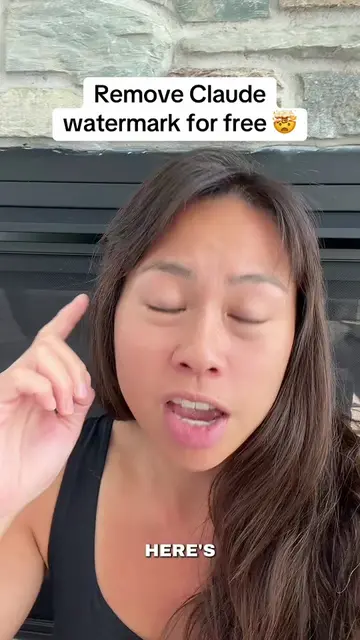
The video addresses a common pain point for users of AI text generators – the fear of detection and rejection. By providing a clear, step-by-step solution using readily available tools, it offers practical value and encourages engagement through saving and following.
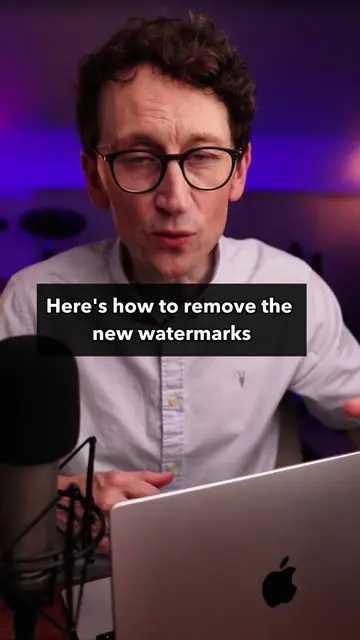
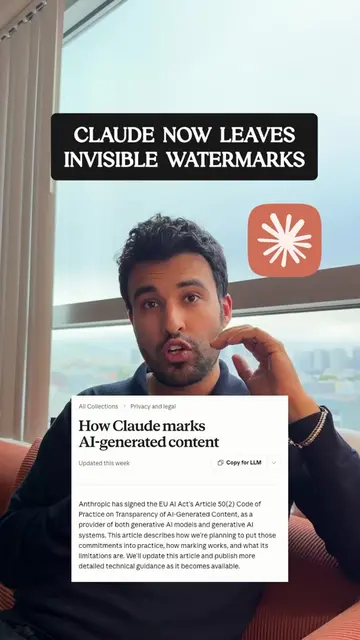
This video demonstrates how to remove "watermarks" left by AI text generators like ChatGPT. It shows a method of copying text from ChatGPT, pasting it into Google Docs, using a keyboard shortcut to find and remove extra spaces, and then using a website called gptwatermark.com to clean the text further.
ChatGPT laisse des filigrane dans tous ces textes 🤫 #astuces #chatgpt #recrutement #cv #etudiant
ChatGPT laisse des filigrane dans tous ces textes 🤫
Introduction to AI text watermarks
Demonstration of the problem in Google Docs
Introducing the solution: gptwatermark.com
Using gptwatermark.com to clean text
Verifying the solution by pasting back into Google Docs
Call to action to save and follow
ChatGPT ACTS - it generates text. Removing it would change the video's topic. GPTWATERMARK.COM ACTS - it is a website that processes text to remove AI watermarks. Removing it would change the video's outcome. Google Docs ACTS - it is a word processor where text is pasted and manipulated. Removing it would change the video's outcome. Claude APPEARS - it is mentioned as another AI that leaves watermarks. Removing it would not change what happens in the video. Gemini APPEARS - it is mentioned as another AI that leaves watermarks. Removing it would not change what happens in the video.
Save this post and follow me for more AI tips
Playing this video’s own audio, so you’ll hear the creator over the sound.
Promotes 6 products. Create free account to see more.
Outliers and viral hits: their videos on Overshot, all time.
AI text watermark remover and checker for people editing machine-generated writing
All time.