Loading video…
Sound

original sound - toluoflele
Tolulope Boy · Original audio
0:00–:––
Playing this video’s own audio, so you’ll hear the creator over the sound.
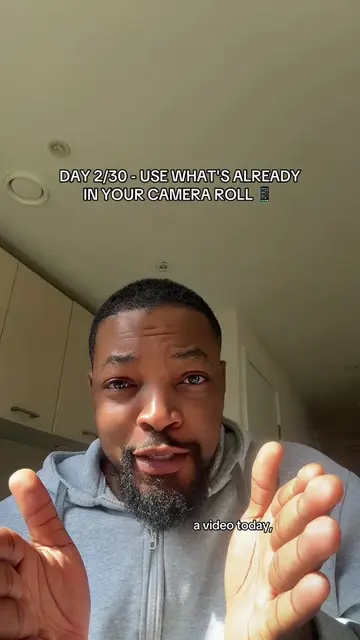
The video provides a clear, step-by-step solution to a common creator problem: finding and using meme videos without watermarks. The use of screen recordings and direct demonstration makes the tutorial easy to follow, and the creator's engaging personality and clear call to action encourage viewer interaction.
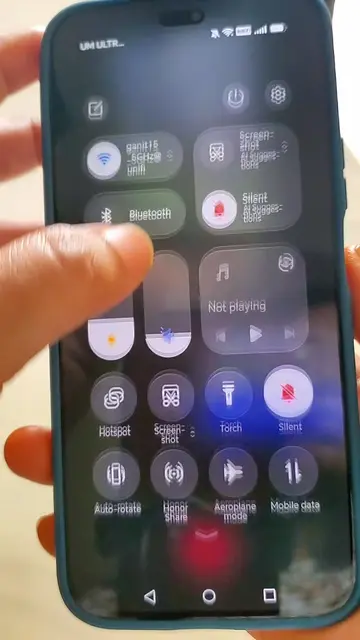
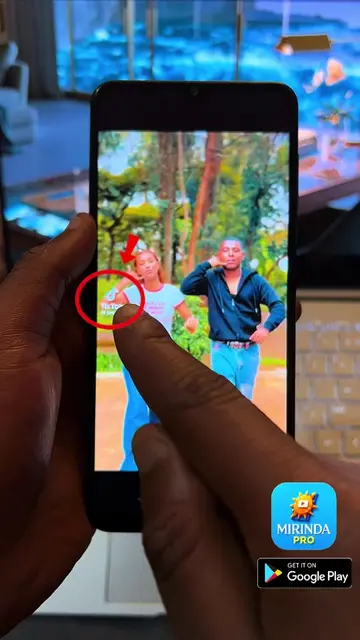
This video provides a step-by-step tutorial on how to download TikTok videos without watermarks and add them as memes to your own content. The creator demonstrates using SSSTIK.io to download a meme video and then shows how to import it into a video editing app.
How to Add Funny Memes to Your Videos (Step-by-Step Tutorial)
So do you want to add funny videos like this ha ha
Introduction and problem statement
Demonstration of finding and downloading a meme video from TikTok using SSSTIK.io
Importing the downloaded meme video into a video editing app
Showing how to add the meme at the end or in the middle of a video
Call to action and outro
TikTok: a social media platform where users can create and share short-form videos. It appears as the platform where the tutorial is being given and where videos are downloaded from. Removing it would change the context of the video. SSSTIK.io: a website that allows users to download TikTok videos without a watermark. It is used to download the meme video. Removing it would prevent the user from downloading the video.
click the link in my bio to join where we do have discussions.
Playing this video’s own audio, so you’ll hear the creator over the sound.
Browser tool for downloading TikTok videos without a watermark
All time.
Promotes 3 products. Create free account to see more.
Outliers and viral hits: their videos on Overshot, all time.