Loading video…
Sound

original sound - angelagrowthcoach
Angela|Viral Tips and Growth · Original audio
0:00–:––
Playing this video’s own audio, so you’ll hear the creator over the sound.
This video promotes it, but we haven’t matched it to a product page yet, so there are no product figures.
The video provides a clear, concise tutorial on a lesser-known TikTok feature, offering a practical solution for creators struggling with content ideas. The creator's direct and actionable advice makes it easy for viewers to implement the tip immediately.
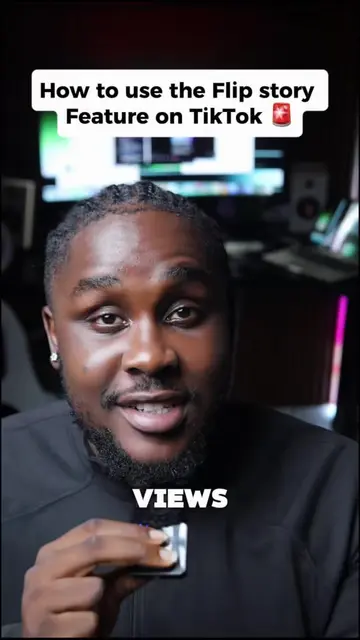
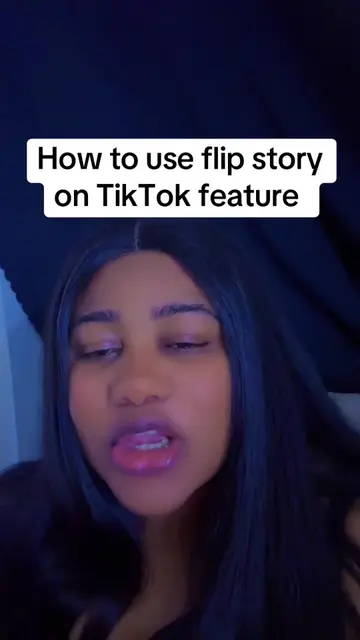
This video explains how to use TikTok's 'Flip Story' feature to create content with two pictures. The creator demonstrates navigating to the feature via the profile picture and explains that it uses an 'A' and 'B' photo to create a reveal, with TikTok automatically adding a trending sound.
How to use the TikTok Flip Story Feature. #flipstory #tiktokfeature #tiktoktips #smallcreator #howtogoviraltips
How To Use The TikTok Flip Story Feature
Introduction to the Flip Story feature
Explaining how to access the feature
Describing the 'A' and 'B' photo concept
Mentioning TikTok's automatic sound selection
Encouraging viewers to use the feature and follow for more tips
TikTok (app): platform for creating and sharing short-form videos. It ACTS as the platform where the Flip Story feature is used. Removing it would change what happens in the video. Flip Story (feature): A feature within TikTok that allows users to create stories using two pictures. It ACTS as the tool being demonstrated. Removing it would change what happens in the video.
Follow me for more TikTok tips without all the complication
Playing this video’s own audio, so you’ll hear the creator over the sound.
Outliers and viral hits: their videos on Overshot, all time.