Loading video…
Sound

original sound - kn11te
Kn11te · Original audio
0:00–:––
Playing this video’s own audio, so you’ll hear the creator over the sound.
The video provides a practical, step-by-step tutorial for a common video editing need (adding watermarks), using a popular and accessible editing app (CapCut). The creator's genuine appreciation for their followers and the promise of future content likely encourage engagement and retention.
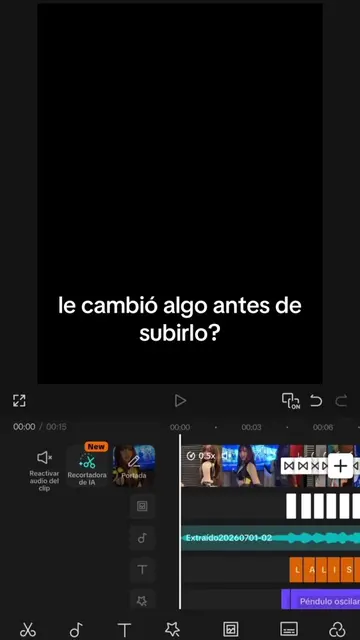
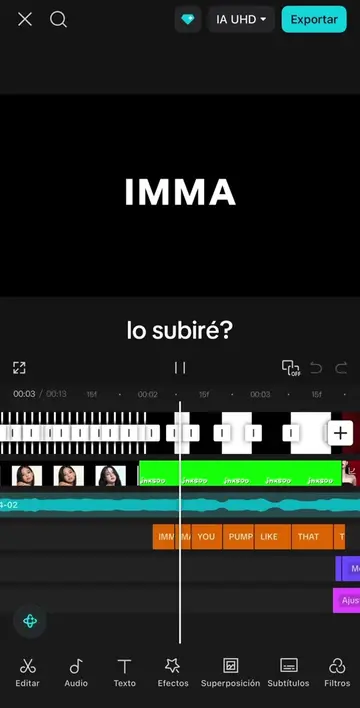
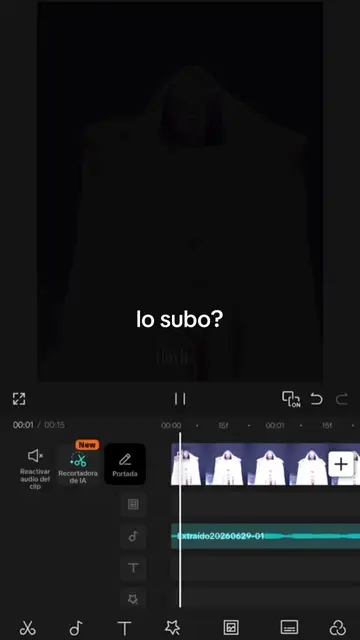
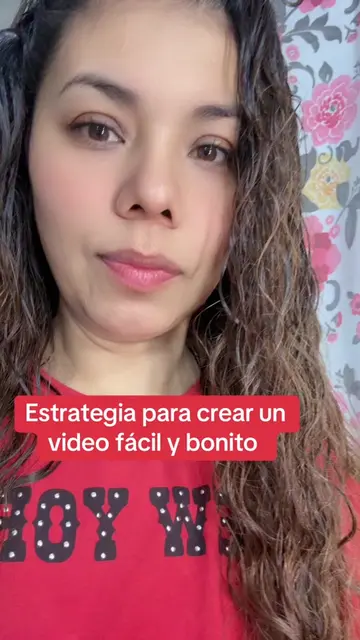
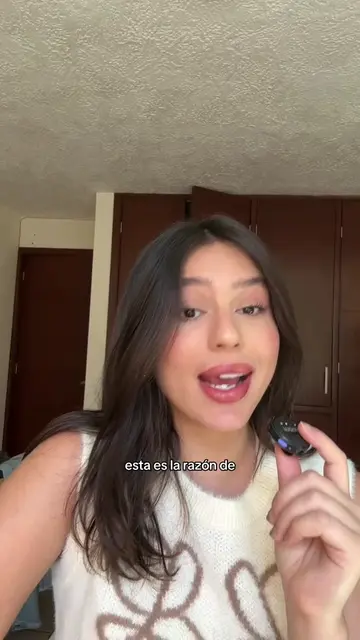
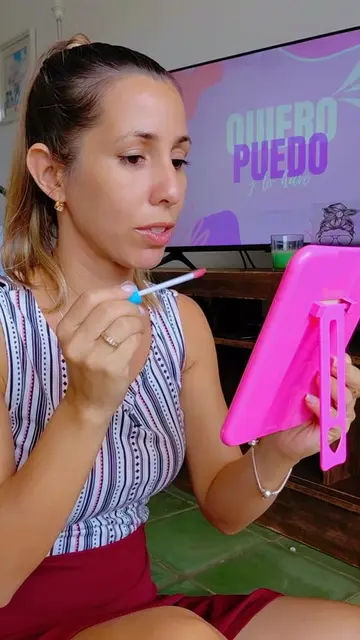
The creator demonstrates how to add a watermark to a video using CapCut, expressing gratitude for their followers. The tutorial covers adding text, choosing fonts and styles, and applying animations to the watermark before exporting the final video.
#CapCut Dia 4/20 enseñandote a editar ✨🫶🏻 / Marca de agua / para que no te lo robe sofi.edits 💜 ✨GRACIAS ENSERIO POR LOS 23 mil SEGUIDORES LOS AMO🫶🏻🩷 #tutoriales #ilovliss #Edit #Viral @TikTok
DIA 4/20
Introduction and thanks to followers
Demonstration of adding a watermark in CapCut
Customizing text with fonts and styles
Adding animation to the watermark
Exporting the final video with watermark
Call to action to follow and suggest future content
CapCut: video editing app. It ACTS by being used to edit a video, and its interface is operated. Removing it would change what happens in the video. TikTok: social media platform. It APPEARS as a watermark on some clips. Removing it would not change what happens in the video.
Únete a mi canal de wasap 🫦💜
Playing this video’s own audio, so you’ll hear the creator over the sound.
Promotes 1 product. Create free account to see more.
Outliers and viral hits: their videos on Overshot, all time.
Video editing app for creators making social media videos
Views and creators: posted in the last 30 days (English videos). Videos: all time.