Loading video…
All breakouts
7.5Talking HeadDirect Question hookEcommerce
Hook
How do you set up a Google review card?
@mrreptastic_backup
8.5K followers · usually 11.4K views a post
Views
84.4K
Likes
4.9K
Comments
37
Shares
636
Why it worked
The video provides a practical, step-by-step tutorial for a tangible side hustle, appealing to viewers looking for simple business opportunities. The use of a screen recording overlay clearly demonstrates the process, making it easy to follow.
Summary
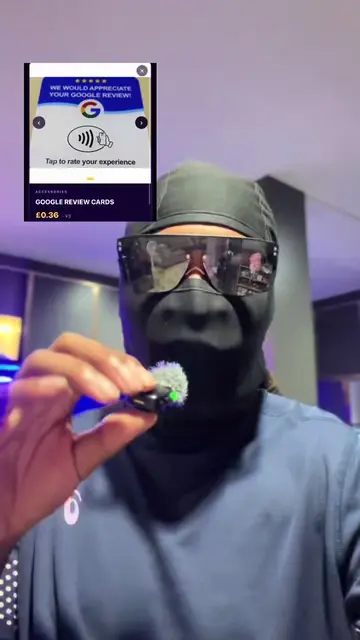
The video demonstrates how to set up a Google review card using the NFC Tools app and a review link generator website. It explains the steps to program an NFC card with a Google review URL, enabling customers to easily leave reviews.
Structure
- 1Introduce Google Review Cards
- 2Download NFC Tools app
- 3Navigate to 'Write' and 'Add record'
- 4
Original caption
Setting up a Google NFC review card is pretty simple. Google review cards are a great side hustle especially over summer. #sidehustle #taobao #businesstips #reselling
More from @mrreptastic_backup
More breakout videos from this creator.