Loading video…
Sound

original sound - fenderstudio
Fender Studio · Original audio
0:00–:––
Playing this video’s own audio, so you’ll hear the creator over the sound.
The video effectively demonstrates the functionality and benefits of the Fender Motion controllers through clear visual examples and concise explanations of key features, making it appealing to aspiring music producers.
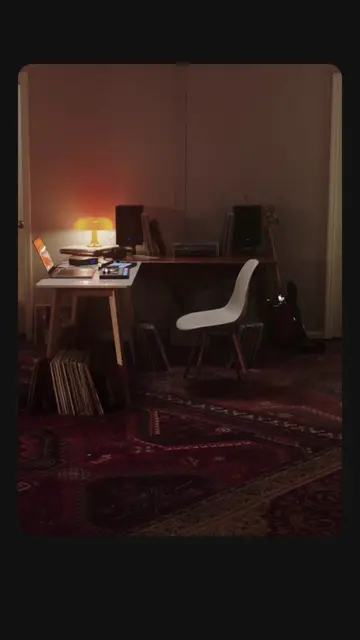
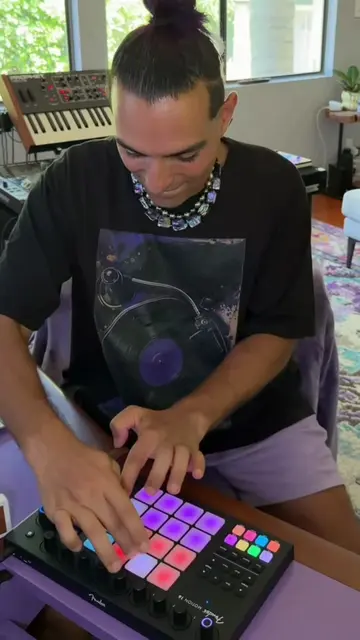
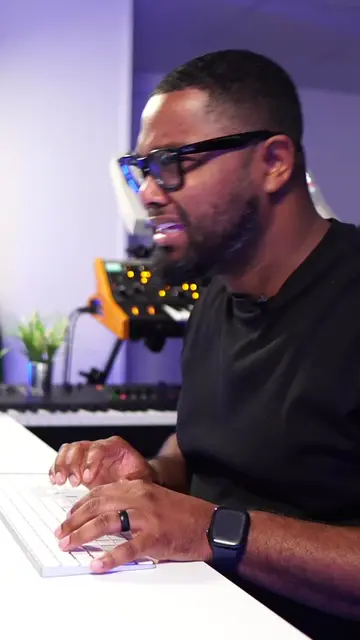
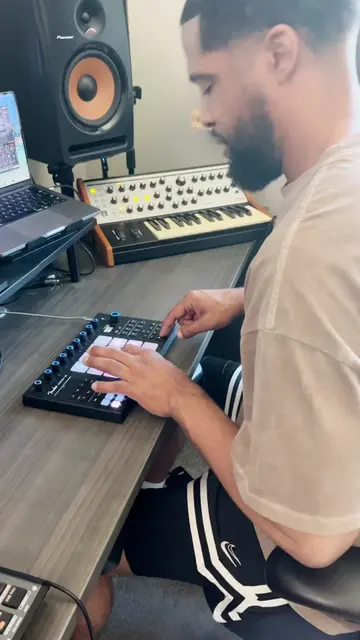
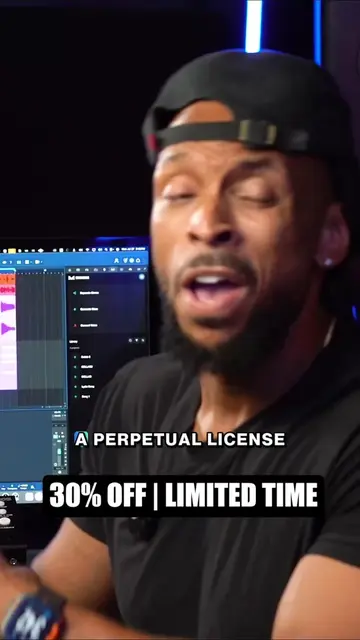
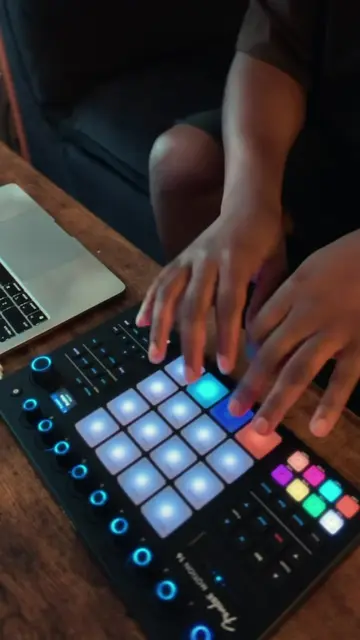
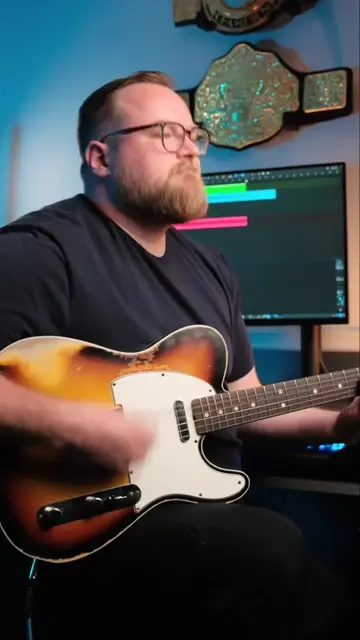
This video showcases the Fender Motion 16 and Motion 32 controllers, highlighting features like Chord Mode, Scale Mode, Note Repeat, and Timeline control. The creator demonstrates how these controllers can be used to create music within a DAW, emphasizing their ease of use and versatility.
What happens when @Trinity gets behind the new Motion controllers? A fresh cook up and plenty to talk about. Have you tried these yet? 🎶🔥 Learn more and shop Motion controllers at the 🔗 in bio! - #motioncontroller #recording #beatmaker #beatmaking #studio
Fender MOTION
Introduction of Fender Motion Controllers
Demonstration of Chord Mode
Demonstration of Scale Mode
Demonstration of Note Repeat
Demonstration of Timeline control
Showcase of a beat made with the controllers
Fender Motion 16: it is a music controller that is operated by the user to create music. Removing it would change what happens in the video. Fender Motion 32: it is a music controller that is operated by the user to create music. Removing it would change what happens in the video. Fender Studio Pro: it is a software ecosystem that includes music controllers and interfaces. It is mentioned as the source of the controllers. Removing it would change what happens in the video. Red Light Dist: it is a plugin that is operated by the user to create music. Removing it would change what happens in the video. Fender: it is a brand name that appears on the controllers and plugin. Removing it would not change what happens in the video.
Learn more and shop Motion controllers at the 🔗 in bio!
Playing this video’s own audio, so you’ll hear the creator over the sound.
Outliers and viral hits: their videos on Overshot, all time.
Music controllers for producers creating beats and controlling music software
All time.