Loading video…
Sound

original sound - gift.onyinyechi972
Gift | TikTok Coach · Original audio
0:00–:––
Playing this video’s own audio, so you’ll hear the creator over the sound.
This video promotes it, but we haven’t matched it to a product page yet, so there are no product figures.
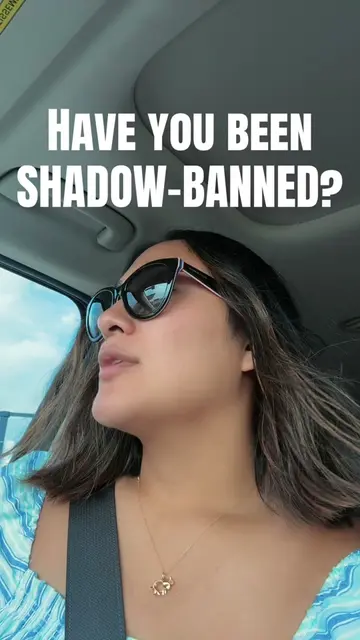
The video addresses a common pain point for TikTok creators (shadowbanning) with clear, actionable steps. By showing the exact in-app navigation, it provides immediate value and a sense of empowerment to users concerned about their account's reach.
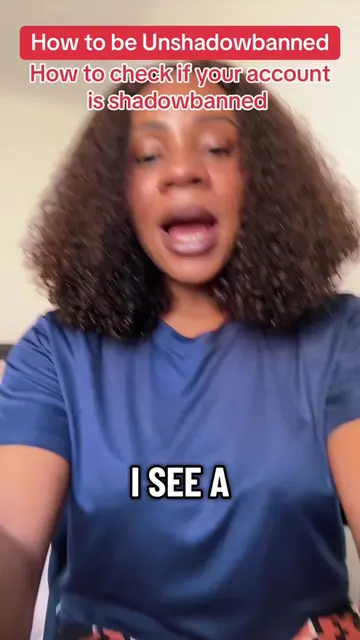
This video explains how to check if your TikTok account is shadowbanned by navigating through the app's settings. It guides viewers to the Safety Center and then to Account Status to look for any violations or restrictions.
Stop worrying about your analytics. Follow these steps to check if your account is shadowbanned. #howtobeunshadowbanned #shadowbanreset #shadowbanned #tiktoktips
How to be Unshadowbanned
Introduction: Many users worry about shadowbans based on analytics.
How to check: Navigate to Settings and Privacy > Help Center > Safety Center.
Locate Account Status: Find and tap on 'Account Status'.
Check for violations: Look for any listed account or video violations.
Conclusion: If no violations are found, the account is likely not shadowbanned; if there are, an appeal may be necessary.
TikTok (app): The video demonstrates how to check for shadowbans within the TikTok app. Removing it would change the video's content and purpose. The app's interface is operated to show specific features and settings. This is a core part of the video's demonstration.
Follow the plus sign on my profile. Now.
Playing this video’s own audio, so you’ll hear the creator over the sound.
Promotes 3 products. Create free account to see more.
Outliers and viral hits: their videos on Overshot, all time.