Loading video…
Sound

original sound - gift.onyinyechi972
Gift | TikTok Coach · Original audio
0:00–:––
Playing this video’s own audio, so you’ll hear the creator over the sound.
Hook
Posted Aug 16, 2026Video · 1:15by @gift.onyinyechi972
We didn’t find a product being promoted in this video. Its hook, format and structure below still show why it took off.
Browse products winning on TikTokThe video addresses a common and concerning issue for TikTok creators: shadowbanning. By providing clear, step-by-step instructions within the app itself, it offers a practical solution to a problem many users are actively trying to understand and resolve.
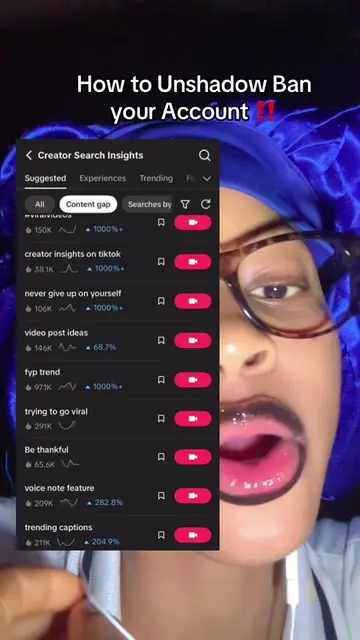
This video explains how to check if your TikTok account has been shadowbanned by navigating through the app's settings to the Safety Center. It details how to find the 'Account Status' section to view any violations or restrictions.
Stop guessing if your account is shadowbanned. Follow these exact steps to check if your account is shadowbanned. #beingshadowbanned #spotshadowbansignsfast #shadowban #unshadowyourtiktok #tiktoktips
How to be Unshadowbanned How to check if your account is shadowbanned
Introduction to the problem of shadowbanning
Explaining that analytics don't directly show shadowbans
Guiding viewers to the TikTok settings menu
Navigating to 'Settings and Privacy' and then 'Help Center'
Accessing the 'Safety Center' and 'Account Status'
Interpreting the 'Account Status' for violations or good standing
TikTok (app): The video demonstrates how to use the TikTok app to check for account violations and restrictions. Removing it would change what happens in the video. TikTok (platform): The video is hosted on the TikTok platform. Removing it would change what happens in the video.
Playing this video’s own audio, so you’ll hear the creator over the sound.
Promotes 3 products. Create free account to see more.
Outliers and viral hits: their videos on Overshot, all time.