Loading video…
Sound

original sound - Azi Limcauco
Azi Limcauco · Original audio
0:00–:––
Playing this video’s own audio, so you’ll hear the creator over the sound.
The video effectively showcases a practical automation workflow that solves a common pain point for users (manual design creation in Canva). By demonstrating a step-by-step process with clear visuals and relatable tools like Google Sheets and Canva, it appeals to a broad audience looking for efficiency and time-saving solutions.
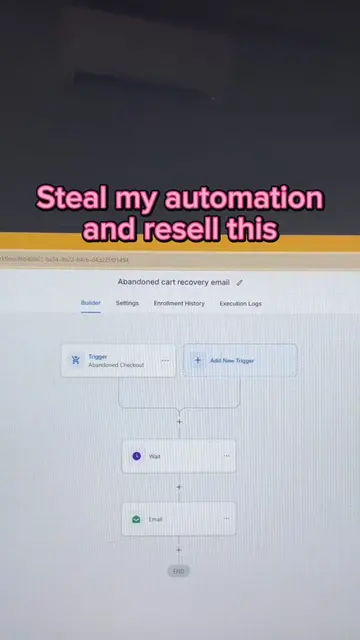
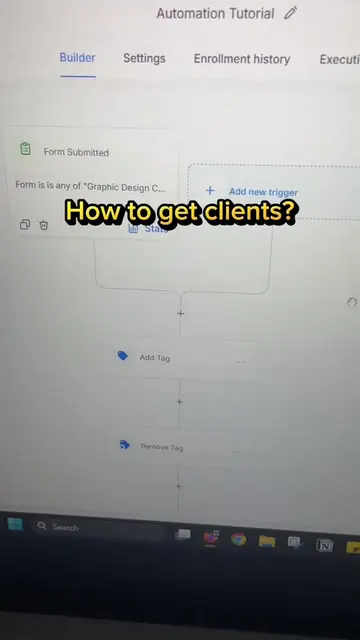
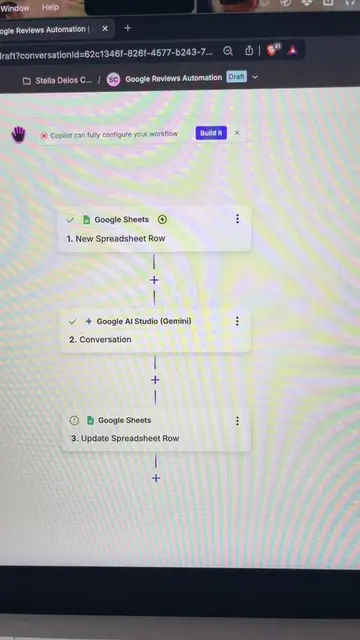
This video demonstrates an automation workflow using Maia, Google Sheets, Canva, and Google Drive to automatically create and export Canva designs based on data from a Google Sheet. The workflow allows users to avoid manual design work by automating the process from data input to file export and row update.
Automation workflow na madalas ginagamit ng mga SMM, Digital Artists and general Virtual Assistants. Mas madali ang buhay kapag automated 😎 #aiautomation #workflowautomation #virtualassistant #workfromhomejobs #asitonph
Build with Maia Beta
Introduction to Canva Automation with Maia
Google Sheets to Canva: Create a Design
Canva: Export a Design
Upload to Google Drive
Update row in Google Sheets
Call to action for more tutorials
Maia (Acts - it is an automation platform that connects different apps to create workflows. Removing it would change what happens in the video.) Google Sheets (Acts - it is used to watch new rows, create designs based on data, and update rows. Removing it would change what happens in the video.) Canva (Acts - it is used to create and export designs. Removing it would change what happens in the video.) Google Drive (Acts - it is used to upload files. Removing it would change what happens in the video.)
Comment Automation for more tutorials
Playing this video’s own audio, so you’ll hear the creator over the sound.
Promotes 3 products. Create free account to see more.
Outliers and viral hits: their videos on Overshot, all time.
Workflow automation software that connects apps to automate repetitive tasks
All time.