Loading video…
Sound

original sound - Azi Limcauco
Azi Limcauco · Original audio
0:00–:––
Playing this video’s own audio, so you’ll hear the creator over the sound.
This video promotes it, but we haven’t matched it to a product page yet, so there are no product figures.
The video provides a practical, step-by-step tutorial on using Make for automation, which is a valuable skill for aspiring virtual assistants. The use of Tagalog makes it accessible to a specific audience, and the clear demonstration of adding modules and integrating with Google Sheets offers tangible value.
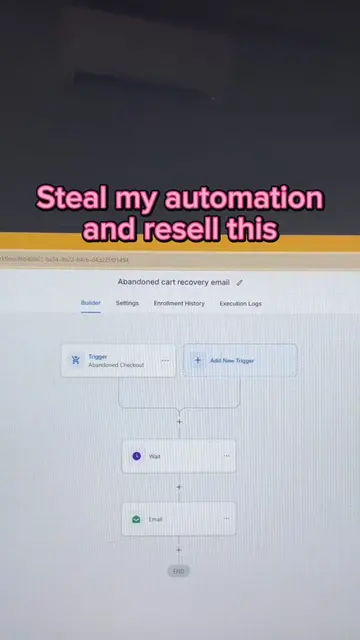
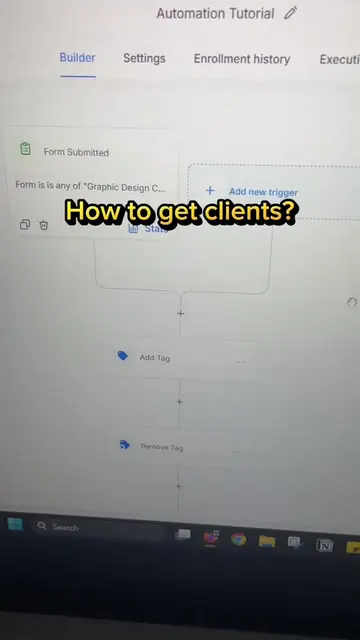
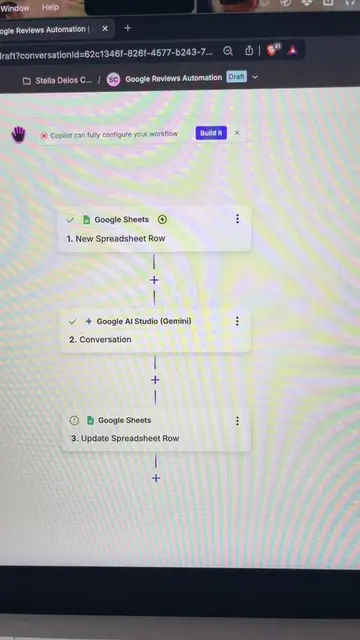
This video demonstrates how to create an automation using Make. It guides viewers through creating a new scenario, adding modules, saving the automation, and setting up Google Sheets integration. The tutorial covers basic controls, module selection, and specific actions like adding rows to a spreadsheet.
Automation tutorial sa Make. Step by step tutorial na to para sa mga aspiring Virtual Assistants! 🫡⭐️ #aiautomation #workflowautomation #virtualassistant #workfromhomejobs #asitonph
Automation tutorial Make
Introduction to Make and saving the video
Creating a new scenario
Adding and manipulating modules
Saving and running the automation
Integrating with Google Sheets
Adding more modules
The video demonstrates the use of 'Make' (make.com) for automation. It shows the interface for creating scenarios, adding modules, and specifically integrates with Google Sheets, detailing how to add rows and configure settings.
Save mo 'tong video na 'to para pwede mong balikan. Comment mo na rin automation.
Playing this video’s own audio, so you’ll hear the creator over the sound.
Promotes 3 products. Create free account to see more.
Outliers and viral hits: their videos on Overshot, all time.