Loading video…
Sound

original sound - nithi09091989
Coach Nithi · Original audio
0:00–:––
Playing this video’s own audio, so you’ll hear the creator over the sound.
This video promotes it, but we haven’t matched it to a product page yet, so there are no product figures.
The video addresses a common and frustrating problem (TikTok app crashing) with a clear, step-by-step solution that is easy to follow. By demonstrating the fix directly on the app, it provides immediate value and a sense of empowerment to the viewer.
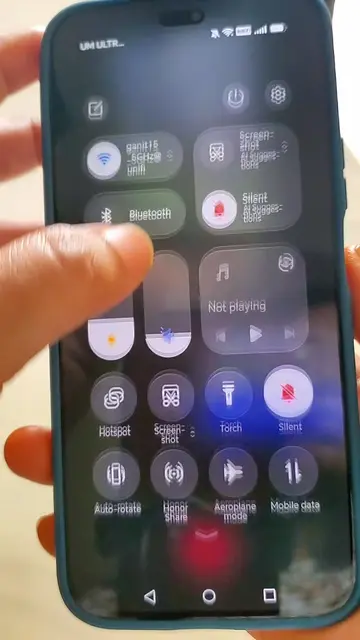
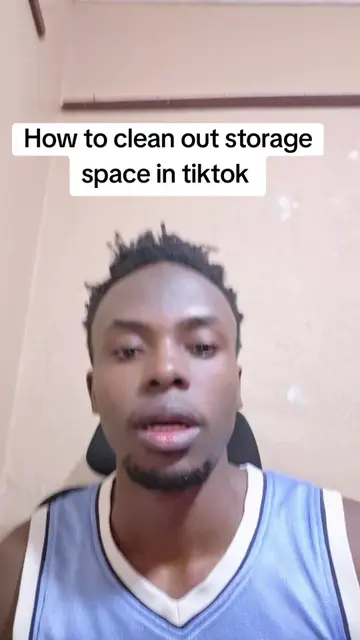
This video provides a solution for the TikTok app crashing by guiding viewers on how to clear unnecessary space within the app. It demonstrates how to clear the watch history and then navigate to the 'Free up space' option in the settings to clear cache and downloads, which helps in resolving crashing issues.
Try it out 🙋♀️ #tipsandtricks #tiktoktamil #tiktoktamilmalaysia #learnontiktok #tiktoktips
Tik Tok App Crash Solution
Identify the problem: TikTok app crashing
Solution step 1: Clear watch history
Solution step 2: Navigate to settings and clear free up space (cache and downloads)
Confirm space cleared and app is now smooth
Concluding advice: Regularly clear space to prevent future crashes
TikTok (app): The video demonstrates how to clear cache and downloads to fix crashing issues. This is an action that directly affects the app's performance, so removing it would change what happens in the video. TikTok (app): The video shows how to navigate through the app's settings to free up space. This is an action that directly affects the app's performance, so removing it would change what happens in the video.
Playing this video’s own audio, so you’ll hear the creator over the sound.
Promotes 1 product. Create free account to see more.
Outliers and viral hits: their videos on Overshot, all time.