Loading video…
Sound

original sound - berri.younes1
Younes Berri · Original audio
0:00–:––
Playing this video’s own audio, so you’ll hear the creator over the sound.
This video promotes it, but we haven’t matched it to a product page yet, so there are no product figures.
The video provides high-value, actionable consumer protection advice that directly addresses a common fear (getting scammed when buying expensive electronics), making it highly shareable.
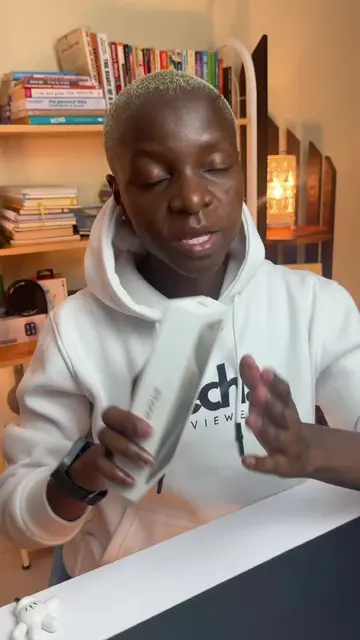
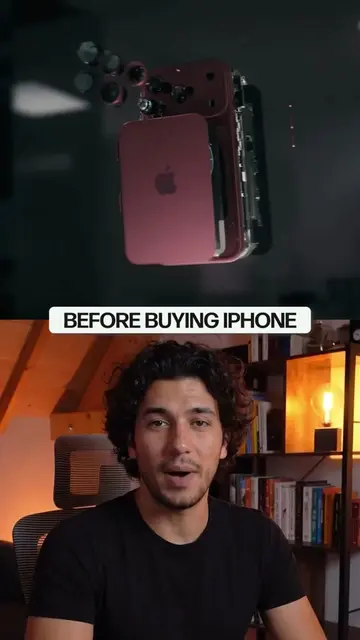
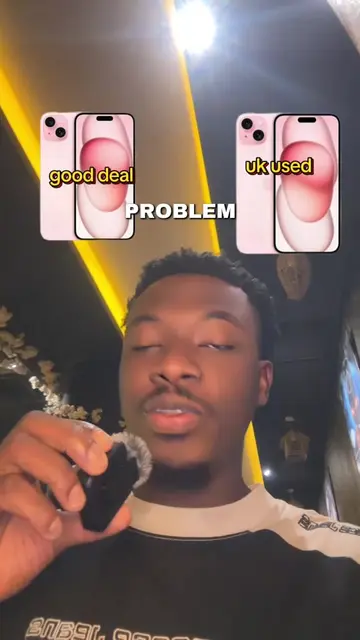
The creator demonstrates a method to verify if an iPhone is truly new or has been previously activated by using the Apple Support app to scan the serial number on the packaging. He warns viewers about common scams where used phones are repackaged to look brand new.
السر لي مغاديش يوريو ليك : كيفاش عمرك تقولب الا بغيتي تشري ايفون Iphone 🚨🚨🤯🤯 #flyppppppppppppppppppppppppppppppp #iphone #17promax #flypシ
معمر شي واحد يقولبك منها لقدام
Warning about iPhone purchase scams
Demonstrating the Apple Support app verification process
Scanning the serial number to check activation status
Explaining the difference between new and used status
Call to action for saving and commenting
Apple (a) - The creator demonstrates the Apple Support app and the official Apple serial number verification process to check the authenticity and warranty status of an iPhone. Removing this would change the video's core instructional purpose. iPhone (a) - The device being checked for authenticity. Removing this would change the video's subject.
حاول دير سيف وكومونطير
Playing this video’s own audio, so you’ll hear the creator over the sound.
Outliers and viral hits: their videos on Overshot, all time.