Loading video…
Sound

original sound - spoticlip
Spoticlip · Original audio
0:00–:––
- Videos using it
- 21
- Creators
- 21
- Views on those videos
- 15.2M
The video effectively addresses a common pain point for individuals managing personal finances by offering a practical and visually appealing solution. The clear demonstration of the template's functionality and the direct on-screen text make it easy for viewers to understand the value proposition.
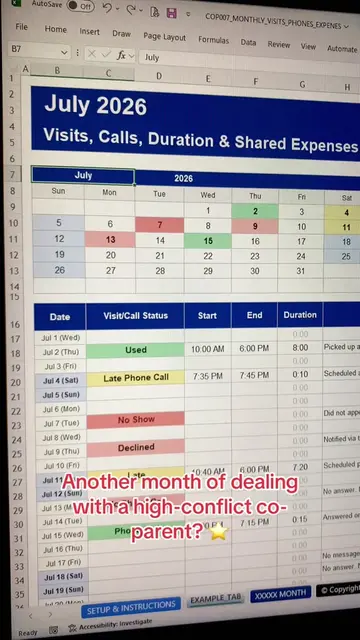
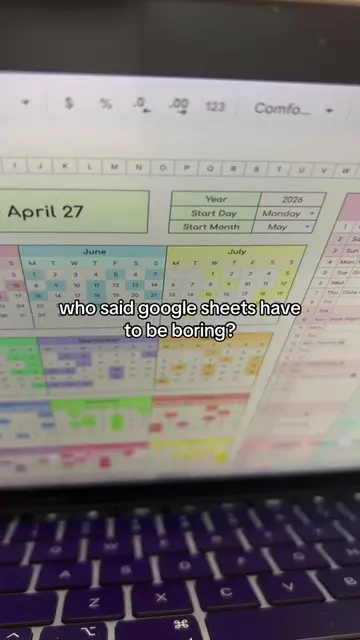
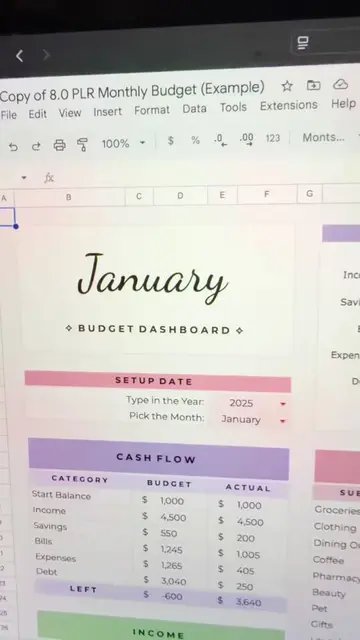
This video showcases a bill payment calendar tracker template created in Excel and Google Sheets. The template allows users to input their bills, due dates, and payment status, helping them stay organized and avoid rewriting their bills monthly.
Enter your bills once and let your monthly budget stay organized all year. 📅💸 This Excel & Google Sheets bill tracker helps you keep track of your bills, due dates, payments, and unpaid balances—all in one place. No need to start over every month. ✨ #billtracker #budgetplanner #monthlybudget #budgetspreadsheet #PersonalFinance
Stop rewriting your bills every month. 👀
Introduction to the bill payment tracker
Demonstration of inputting bill information
Showing paid and unpaid bill status
Highlighting the calendar view
Concluding with the benefit of organization
Microsoft Excel (software): used to create and display the bill payment calendar tracker. Removing it would change what happens in the video. Google Sheets (software): mentioned as an alternative platform for the bill payment calendar tracker. Removing it would not change what happens in the video. LovingSheets (Etsy store): appears as the creator's bio link. Removing it would not change what happens in the video.
Promotes 1 product. Create free account to see more.
Outliers and viral hits: their videos on Overshot, all time.
Spreadsheet template for people tracking bill due dates and payment status
All time.