Loading video…
Sound

original sound - typicalgamer
Typical Gamer · Original audio
0:00–:––
Playing this video’s own audio, so you’ll hear the creator over the sound.
The video provides a practical, in-game solution for a common player problem: optimizing sensitivity settings. By demonstrating a specific tool within Fortnite and offering clear, actionable steps, it appeals directly to players looking to improve their performance.
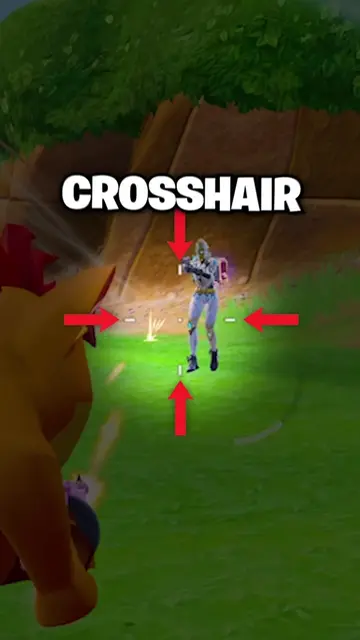
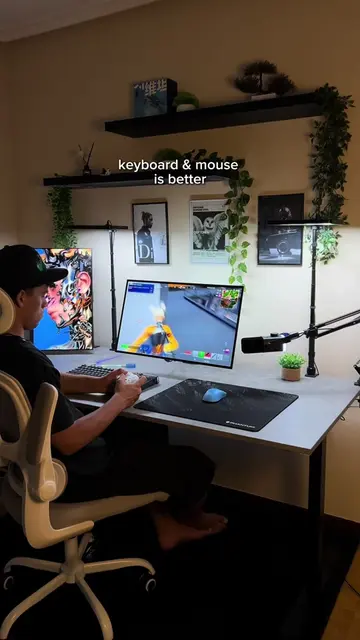
The creator demonstrates how to find and use the JOGO Sensitivity Finder within Fortnite to optimize player sensitivity settings. The video guides viewers through the in-game process, including searching for JOGO, accessing the sensitivity finder, inputting settings, and running tests to improve gameplay accuracy.
Get Better Instantly with this Sensitivity Test #fortnite #update #clips #season4 #typicalgamer
NOT AT
Introduction to sensitivity and its importance
Navigating Fortnite to find the JOGO developer tab
Using the JOGO Sensitivity Finder tool
Performing aim drills and tests
Reviewing test results and suggested sensitivity adjustments
Encouraging viewers to like and save the island
Fortnite: This is a video game that the creator is playing and demonstrating features within. It ACTS as the environment for the video. Removing it would change the entire video. JOGO: This is a creator/company that makes games within Fortnite. It ACTS as the subject of the video, as the creator is showing how to find and follow them. Removing it would change the video. Jogo Sensitivity Finder: This is a tool within Fortnite that helps players find their optimal sensitivity settings. It ACTS as a tool to improve gameplay. Removing it would change the video.
Follow the JOGO developer tab and click the blue JOGO logo. Then click follow. Like and save the island.
Playing this video’s own audio, so you’ll hear the creator over the sound.
Promotes 1 product. Create free account to see more.
Outliers and viral hits: their videos on Overshot, all time.
Fortnite sensitivity finder for players tuning their settings
All time.