Loading video…
Sound

original sound - gudanglaptop_id
GudangLaptop ID · Original audio
0:00–:––
Playing this video’s own audio, so you’ll hear the creator over the sound.
The video addresses a common fear and potential scam related to laptop servicing, providing a practical, actionable solution that viewers can easily replicate. The clear, step-by-step instructions and the "save and share" call to action encourage virality.
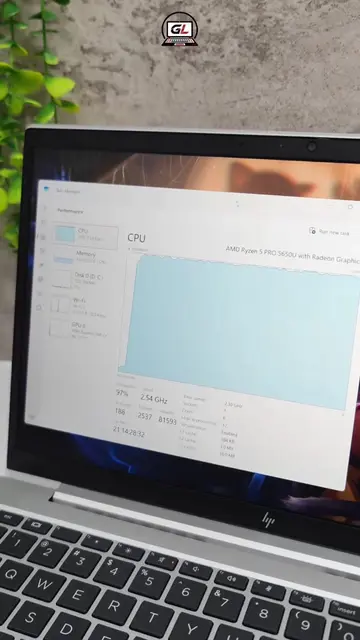
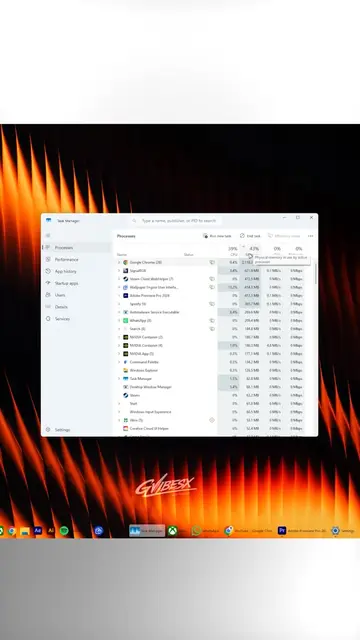
This video demonstrates how to check your laptop's RAM specifications using Windows Task Manager and the CPU-Z software. It advises users to photograph their RAM details before and after servicing to ensure it hasn't been tampered with, preventing potential scams.
Pernah servis laptop terus performa malah makin lemot? 🤔 Bisa jadi RAM lu DITUKAR sama oknum teknisi nakal. Nih gua spill cara cek RAM laptop sendiri mulai dari merk, speed, dan kapasitas Ram. Catet dan foto spek RAM lu sebelum bawa ke tempat servis, terus cek lagi setelah laptop balik. Kalau beda? Langsung komplain 🚩 Save video ini buat jaga-jaga, siapa tau butuh nanti! 💾. #ram #service #technology #fyi #tips
Lagi
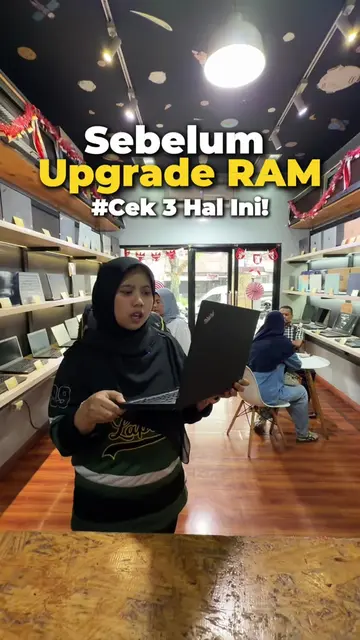
Introduction to RAM swapping scam
Checking RAM specs via Task Manager
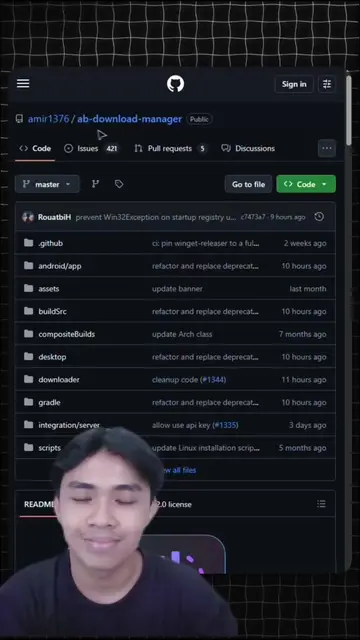
Downloading and installing CPU-Z
Using CPU-Z to verify RAM details
Comparing pre- and post-service RAM specs
Call to action: Save and share the video
GL (logo appears on screen, does not act, removing it would not change video) GudangLaptop ID (appears on screen at end, does not act, removing it would not change video)
Save video ini buat jaga-jaga, siapa tau butuh nanti!
Playing this video’s own audio, so you’ll hear the creator over the sound.
Hardware information utility for checking Windows and Android device specifications
All time.
Promotes 1 product. Create free account to see more.
Outliers and viral hits: their videos on Overshot, all time.