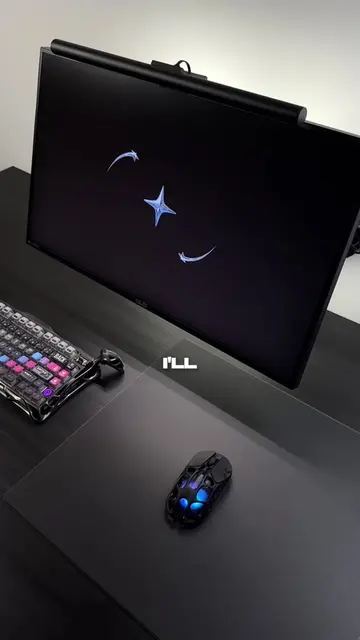
Loading video…
All breakouts
3.3Talking HeadHow-To hookConsumer Apps
Hook
Here's a Windows tip that could actually SAVE your PC pt. 6 😳
@astraltech
140.0K followers · usually 97.0K views a post
Views
281.9K
Likes
21.2K
Comments
194
Shares
1.6K
Why it worked
The video provides a practical and actionable solution to a common PC performance issue, directly addressing viewer pain points like slow RAM and low FPS. The clear, step-by-step instructions and visual proof in Task Manager make the tip easy to follow and trust, driving engagement and shares.
Summary
This video explains how to increase your PC's RAM speed by enabling XMP/EXPO/DOCP profiles in the BIOS. By following these steps, users can achieve higher FPS and reduce stuttering in games.
Structure
- 1Introduce the problem of slow RAM speed
- 2Explain how to access BIOS
- 3Guide to enabling XMP/EXPO/DOCP profile
- 4Instruct to save and exit BIOS
Original caption
Here's a Windows tip that could actually SAVE your PC pt. 6 😳 #pc #windows #TechTips #windows11
More from @astraltech
More breakout videos from this creator.