Loading video…
Sound

original sound - neehmieedits
Neehmieedits · Original audio
0:00–:––
Playing this video’s own audio, so you’ll hear the creator over the sound.
This video promotes it, but we haven’t matched it to a product page yet, so there are no product figures.
The video provides high-value, actionable advice by mapping specific editing problems to the best-in-class tools, establishing the creator as an expert while naturally leading into her own service offering.
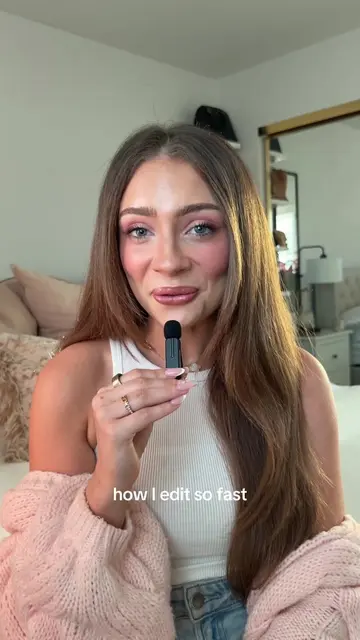
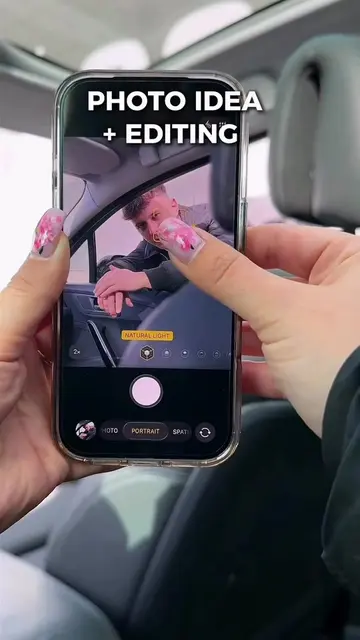
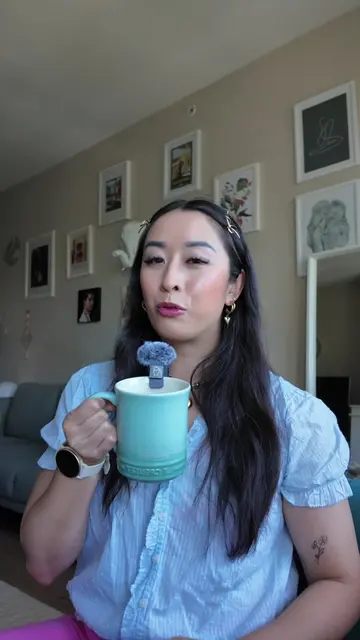
The creator provides a quick tutorial recommending specific mobile apps for different photo editing tasks like face editing, skin retouching, and lighting adjustments. She concludes by offering her own editing classes for those interested in professional-level skills.
Updated this for yall. Disclaimer: I’m not saying you can’t use one app for everything. I’m simply pointing out what each app is particularly good at and its strengths from my experience. And yes, if you want to learn how to use one app for everything, I teach that in my class too🥰. #proeditor #makeuptutorial #cleanedits #neehmieedits #promua
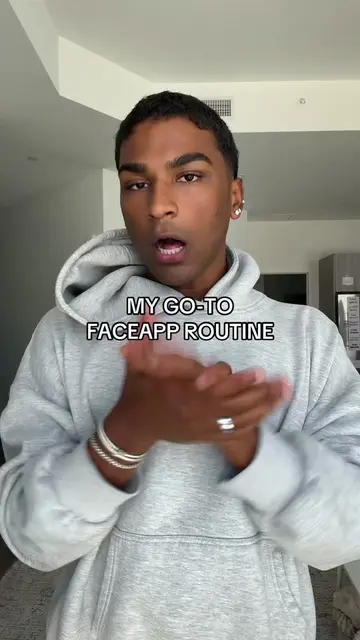
If you want good face editing, use Faceapp.
Face editing recommendation
Skin and body retouching tools
Mirror stain removal tip
Lighting and AI regeneration tools
Consistency with presets
Call to action for editing classes
Faceapp (a) ACTS: interface operated for face editing. Facetune (a) ACTS: interface operated for skin retouching. Airbrush (a) ACTS: interface operated for skin retouching, body shape editing, and removing mirror stains. Lightroom (a) ACTS: interface operated for lighting, exposure, color, AI regeneration, and preset application. Removing these names would change the video as it is a tutorial on using these specific tools.
Follow me for more editing tips and I also teach editing.
Playing this video’s own audio, so you’ll hear the creator over the sound.
Outliers and viral hits: their videos on Overshot, all time.