Loading video…
Sound

original sound - momisavibe
Kat | MomVibez Growth Coach · Original audio
0:00–:––
Playing this video’s own audio, so you’ll hear the creator over the sound.
This video promotes it, but we haven’t matched it to a product page yet, so there are no product figures.
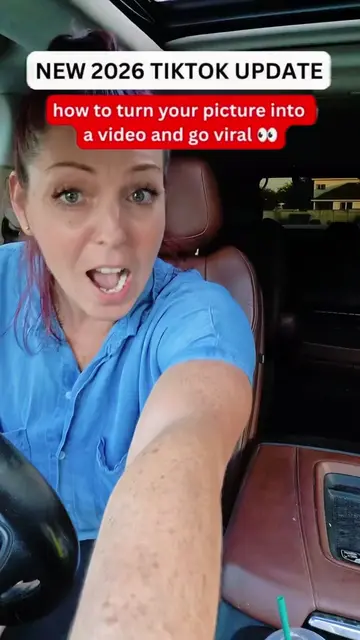
The video leverages a trending feature on a popular platform, offering a simple, actionable tutorial that promises virality, a highly sought-after outcome for TikTok creators.
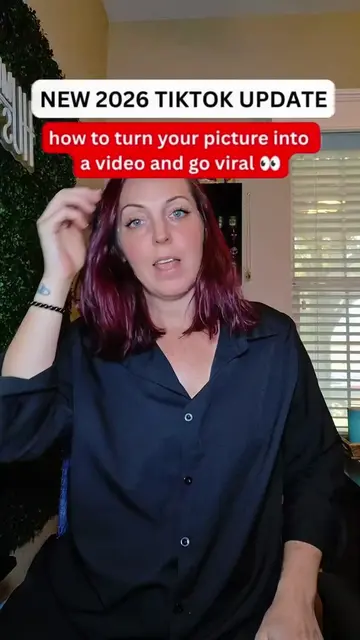
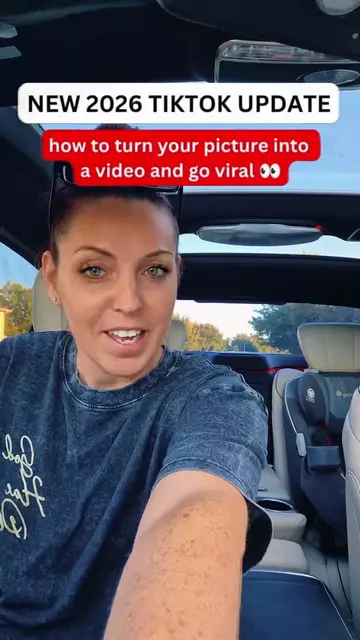
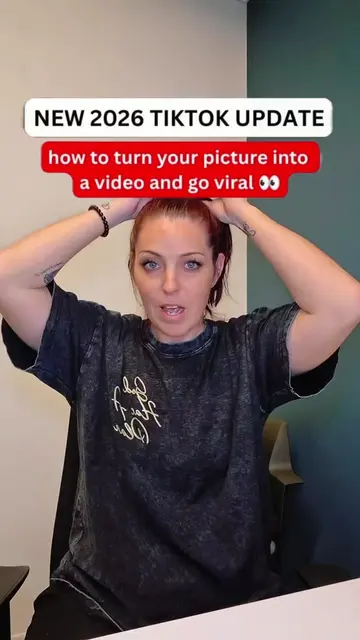
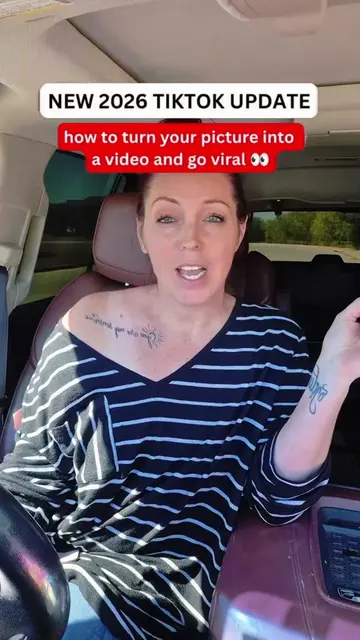
The video demonstrates a new TikTok feature that allows users to turn a picture into a video using templates. The creator advises viewers to use this feature and post it to their story for increased visibility and potential virality.
TIKTOK NEW 2026 UPDATE: this is how you can go viral letting TikTok turning a picture into a video #update #newupdate #goviral #tutorial #momisavibe
NEW 2026 TIKTOK UPDATE
Introduce new TikTok update for turning pictures into videos.
Explain how using new features boosts visibility.
Demonstrate selecting a template and photo.
Instruct to add the video to story, not the main feed.
Advise engagement and following for growth.
TikTok (app): social media platform for creating and sharing short-form videos. It ACTS by providing features and updates that creators use to make content. Removing it would change the video's topic. AI Cast (feature): a feature within TikTok that likely uses AI to generate video content from images or other inputs. It ACTS by enabling video creation. Removing it would change the video's topic. CapCut (app): video editing app. It APPEARS as a watermark on a template, but its functionality is not demonstrated or discussed. Removing it would not change what happens in the video.
Tap on the post button, then create, then AI Cast, then select a template, then pick one clip, then try this template, then select 1 photo or video, then next, then your story, then next.
Playing this video’s own audio, so you’ll hear the creator over the sound.
Outliers and viral hits: their videos on Overshot, all time.