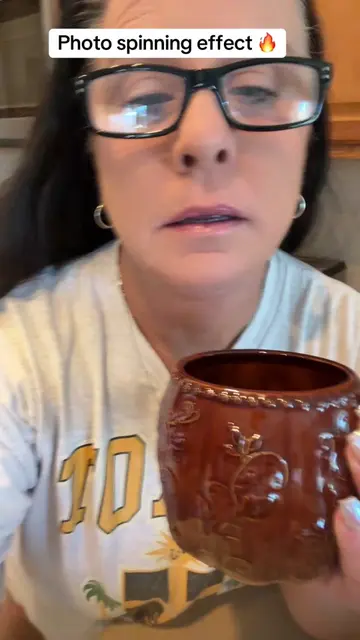
Loading video…
All breakouts
131Talking HeadWarning hookCreator Economy
Hook
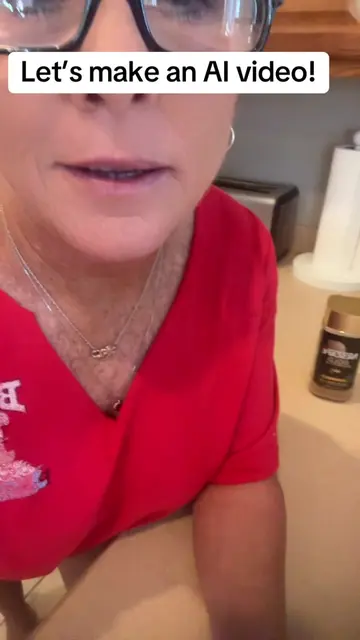
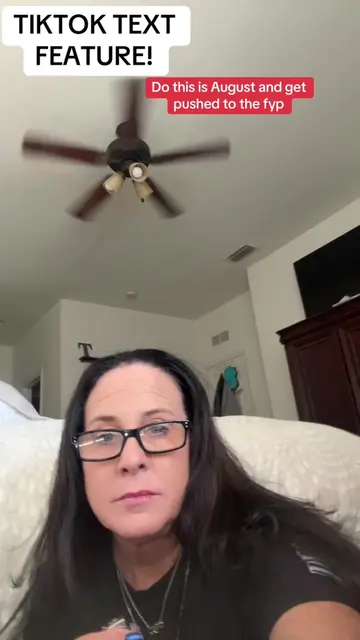
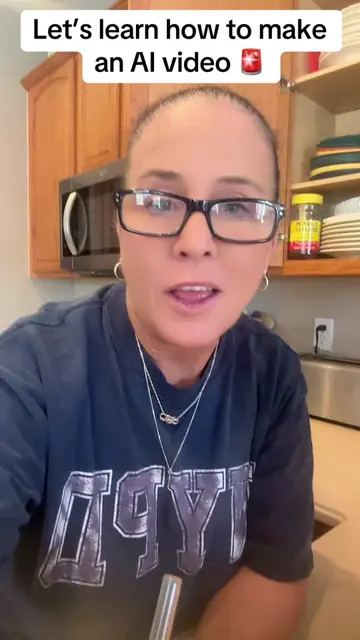
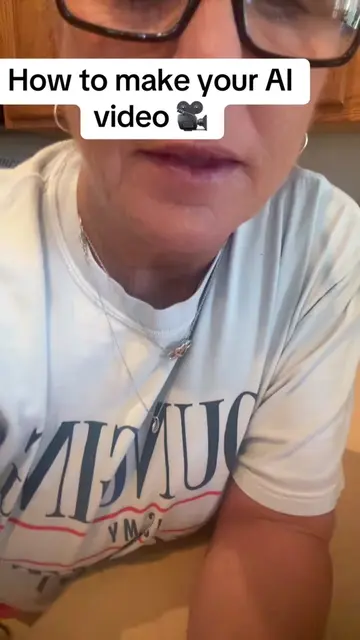
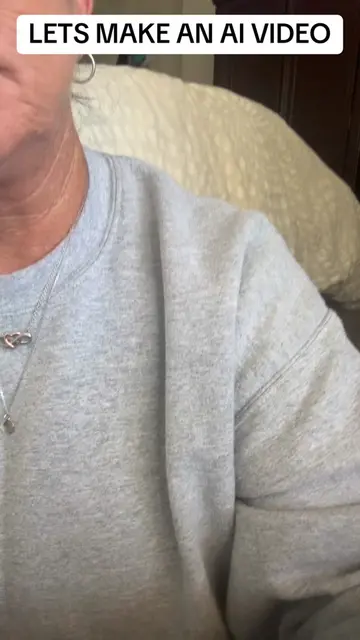
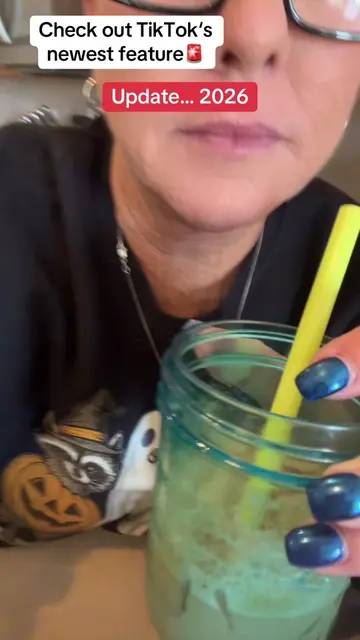
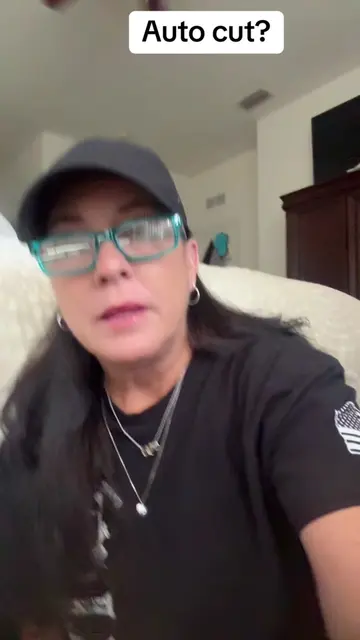
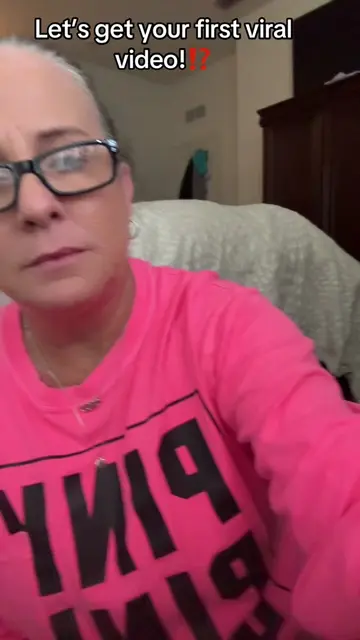
"AUTO CUT" is being pished big time!!
@mommacolleen.7
315.4K followers · usually 1.8K views a post
Views
225.2K
Likes
1.7K
Comments
94
Shares
147
View velocity
+193.1K views over 12.4d · ~15.6K/day · 11 observations
Why it worked
The video provides a clear, step-by-step tutorial on how to use a specific TikTok feature that promises to increase engagement and views, directly addressing a common pain point for creators.
Summary
This video explains how to use TikTok's Auto Cut feature to create engaging content. The creator guides viewers through the process of selecting photos and letting the app edit them with trending audio to increase views and engagement.
Structure
- 1Introduce Auto Cut and its importance for creators
- 2Explain how to access and use the Auto Cut feature
- 3Detail the process of adding photos and letting TikTok edit
- 4
Original caption
If you're a small creator, struggling with views, let's try using some of the features that TikTok has to offer... Tutorial in video. How to use the auto cut feature. #tiktoktips #smallcreators #autocut
More from @mommacolleen.7
More breakout videos from this creator.