Loading video…
Sound

original sound - chrystalwillis
Chrystal Willis 👑 · Original audio
0:00–:––
Playing this video’s own audio, so you’ll hear the creator over the sound.
The video capitalizes on a trending effect on TikTok, providing a clear and concise tutorial that promises virality. The creator uses direct calls to action and encourages user engagement by asking for tags and comments, leveraging the platform's algorithm for increased reach.
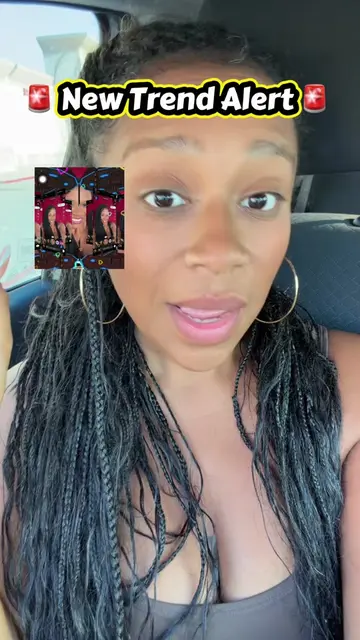
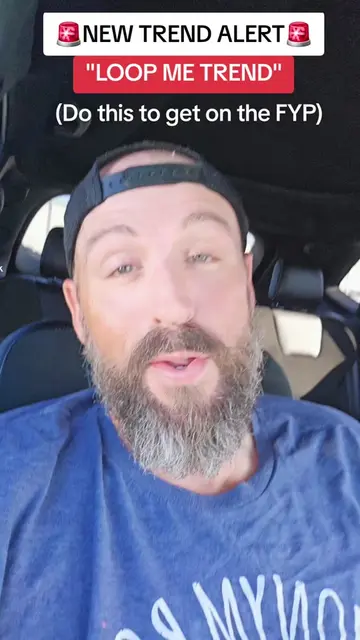
This TikTok tutorial demonstrates how to use the "Loop Me Effect" filter to create viral content. The creator guides viewers through finding the filter on TikTok, recording a video or selecting photos, and then sharing it to their story and creating a post with specific hashtags to increase visibility.
New trend alert TikTok new loop me effect tutorial. Try this to get seen on the for you page and go viral. #loopme #tutorial #effect #tiktoktips #fyp
TUTORIAL LOOP ME Effect
Introduction to the viral "Loop Me Effect"
Instructions on how to find the filter on TikTok
Demonstration of recording or selecting media for the effect
Explanation of how the effect loops the content
Guidance on sharing the video to stories and creating a post for wider reach
TikTok (app): a social media platform where users create and share short-form videos. It ACTS as the platform for the tutorial and the effect. Removing it would change the context of the video. Loop Me Filter (effect): a visual effect used within TikTok to create a looping video. It ACTS as the subject of the tutorial. Removing it would make the tutorial pointless. CapCut (app): a video editing app. It is mentioned as an alternative method for creating the effect, but not directly used in the tutorial. Removing it would not change the core tutorial.
Save this video, repost it, share to your friends, and leave a comment at the end and let me know that you are real. Go to the for you page and click on the search bar. Put in Loop Me Filter. Click on the first one that pops up. Once you click on that, it's going to take you inside to make a video. You can select photos if you want or you can make a video and then it's going to loop you just like it did me. After you do that, you're going to add it directly to your story. Tag me in your video so I can repost it to my 300,000 followers.
Playing this video’s own audio, so you’ll hear the creator over the sound.
Promotes 1 product. Create free account to see more.
Outliers and viral hits: their videos on Overshot, all time.
TikTok effect for creating looping videos and photo stories
All time.