Loading video…
Sound

original sound - angelagrowthcoach
Angela|Viral Tips and Growth · Original audio
0:00–:––
Playing this video’s own audio, so you’ll hear the creator over the sound.
This video promotes it, but we haven’t matched it to a product page yet, so there are no product figures.
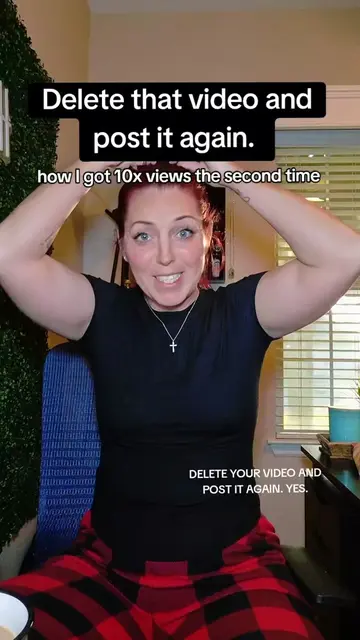
The video addresses a common pain point for TikTok creators (underperforming videos) and offers a practical, actionable solution that is easily misunderstood or overlooked. The creator's direct and engaging delivery, combined with clear on-screen text, makes the information accessible and valuable.
The creator explains how to "delete and re-edit" a TikTok video within 24 hours of posting it. This is presented as a way to fix videos that may have glitches or low performance, rather than simply deleting them. The creator encourages viewers to engage with the post and follow for more TikTok tips.
✋You can delete and edit a video for about 24 hrs after you create it. You want to DELETE AND RE-EDIT and not just delete! #smallcreator #tiktoktips
DELETE THAT VIDEO!
Introduction: Delete and repost videos.
Warning: Watch the full video to understand the right way.
Assumption: Viewer is a creator looking to grow on TikTok.
Call to action: Engage from the bottom up, let TikTok know you're human.
Explanation: Introduce 'delete and re-edit' feature within 24 hours.
Reasoning: Why to delete and re-edit (glitches, low views, upload errors).
Distinction: Not for all videos, only those with perceived issues.
Instruction: How to perform delete and re-edit.
Final CTA: Save the video and follow for more tips.
TikTok (app): The platform where the video is posted and where the creator is giving advice. It is used to post and re-edit videos. Removing it would change what happens in the video.
Save this so you can come back to it later, and follow me again for TikTok tips without all the complication.
Playing this video’s own audio, so you’ll hear the creator over the sound.
Outliers and viral hits: their videos on Overshot, all time.