Loading video…
Sound

original sound - angelagrowthcoach
Angela|Viral Tips and Growth · Original audio
0:00–:––
Playing this video’s own audio, so you’ll hear the creator over the sound.
This video promotes it, but we haven’t matched it to a product page yet, so there are no product figures.
The video offers a practical, step-by-step tutorial on a new, potentially viral feature within a popular platform, making it easy for users to replicate and gain visibility. The creator's advice to leverage TikTok's suggested sounds and hashtags further enhances its value for creators seeking growth.
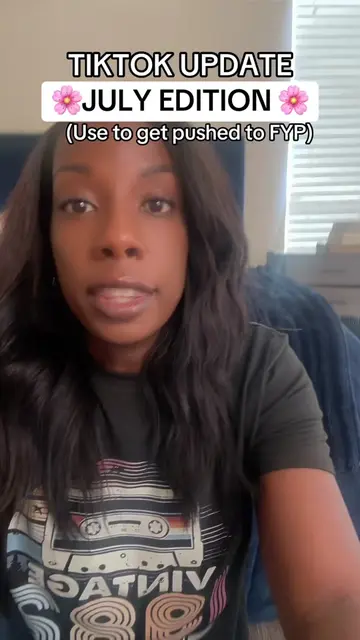
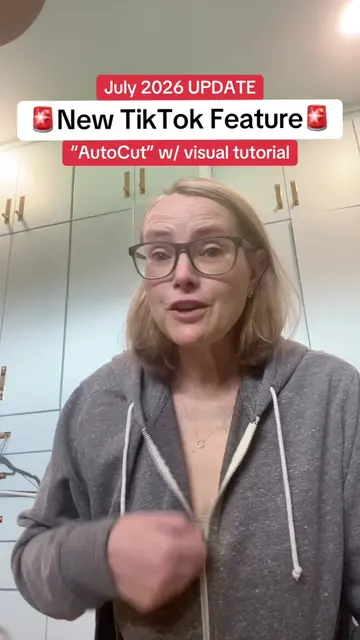
This video provides a tutorial on how to use TikTok's new AutoCut feature to create videos quickly. The creator demonstrates the steps involved, from selecting photos to letting TikTok automatically edit them with transitions and sounds.
Tutorial Included for the new TikTok AutoCut update. #smallcreators #tiktoktips #howtogoviraltips
TikTok Update AUGUST EDITION
Introduction to the new TikTok AutoCut feature
Instructions on how to access AutoCut via the '+' sign and 'Create' option
Selecting photos from the camera roll
Letting TikTok's AutoCut process the video with automatic edits and sound
Advice on using TikTok's suggested sounds for better reach
Tips for posting to stories or the main feed with hashtags
TikTok (app): A social media platform where users create and share short-form videos. It ACTS as the platform for the tutorial, and its features (AutoCut, FYP) are demonstrated. Removing it would change what happens in the video. AutoCut (feature): A video editing feature within TikTok that automatically cuts and transitions video clips. It ACTS as the tool being demonstrated to create a video. Removing it would change what happens in the video.
save it so you can come back to it later and follow me for more daily TikTok tips without all the complications
Playing this video’s own audio, so you’ll hear the creator over the sound.
Outliers and viral hits: their videos on Overshot, all time.