Loading video…
Sound

original sound - github.signals
Github Signals · Original audio
0:00–:––
Playing this video’s own audio, so you’ll hear the creator over the sound.
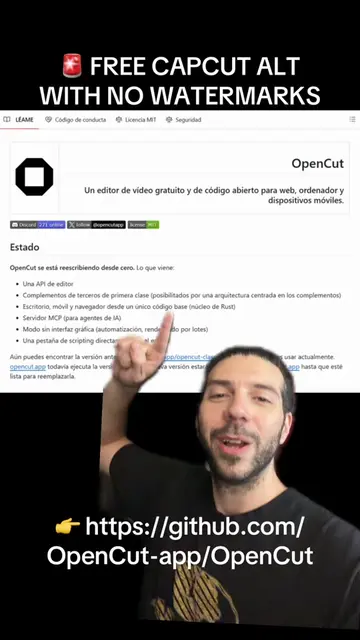
The video effectively highlights a free, open-source alternative to a popular paid software (CapCut), addressing common user pain points like watermarks and subscriptions. The clear demonstration of features and emphasis on local processing makes it appealing to users seeking more control and privacy.
This video introduces WolfCut, a free, open-source desktop video editor positioned as an alternative to CapCut. It highlights WolfCut's features such as a native Rust engine, multi-track timeline, free auto-captions, and voice filters, emphasizing its local operation without watermarks or subscriptions.
This Free Open-Source Video Editor Is a CapCut Alternative With No Watermarks WolfCut is a native desktop video editor built to be the free, open-source alternative to CapCut, meaning no watermarks, no subscriptions, and no account required. It runs a powerful Rust engine locally on your machine, handling everything from multi-track timelines to free automatic captions and voice filters without uploading your data to the cloud. The most impressive part is that it bundles its own tools, like FFmpeg, so you can install it and start cutting immediately on Windows, Mac, or Linux. This gives you full control over your creative work with a lightweight, private, and completely ad-free experience. Open source: jub0t/wolfcut Follow for more open source project drops. #VideoEditing #OpenSource #CreatorTools
WolfCut is a native
Introduction to WolfCut as a CapCut alternative
Highlighting key features: no watermarks, subscriptions, or account required
Explaining the technology: Rust engine, local operation
Detailing functionalities: multi-track timeline, auto-captions, voice filters
Mentioning cross-platform availability and installation
Call to action: Download from Releases
WolfCut: A free, open-source desktop video editor that replaces CapCut. It acts as a video editing software, offering features like multi-track timelines, free voice filters, and free auto-captions. It runs locally on the user's machine and does not require an account or subscriptions. It bundles tools like FFmpeg. Removing it would change the video's topic entirely as it is the subject of the video. FFmpeg: A tool bundled within WolfCut that handles video and audio processing. It acts as a backend tool for the video editor. Removing it would affect WolfCut's functionality but not the video's topic. CapCut: A video editing software that WolfCut is presented as an alternative to. It is mentioned as a point of comparison. Removing it would change the context of the comparison but not the subject of the video.
Download from Releases
Playing this video’s own audio, so you’ll hear the creator over the sound.
Promotes 20 products. Create free account to see more.
Outliers and viral hits: their videos on Overshot, all time.
Open-source desktop video editor for creators looking for a CapCut alternative
All time.