Loading video…
All breakouts
455App DemoHow-To hookCreator Economy
Hook
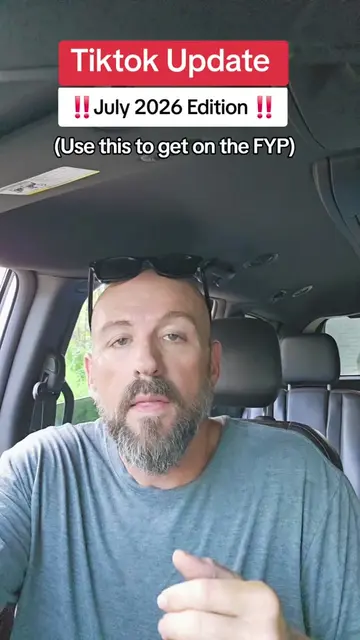
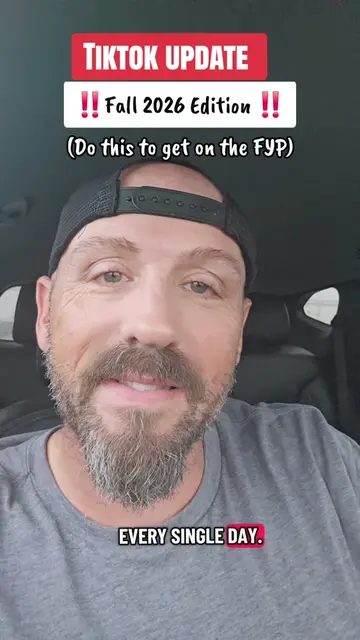
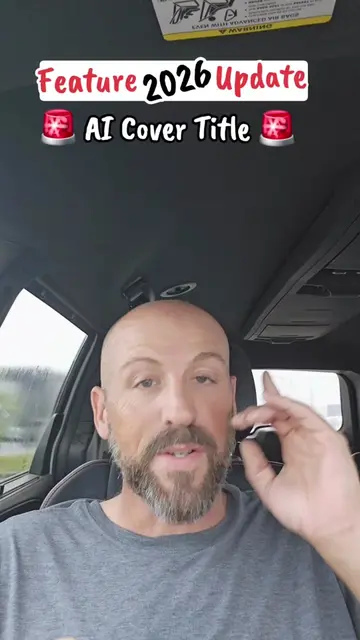
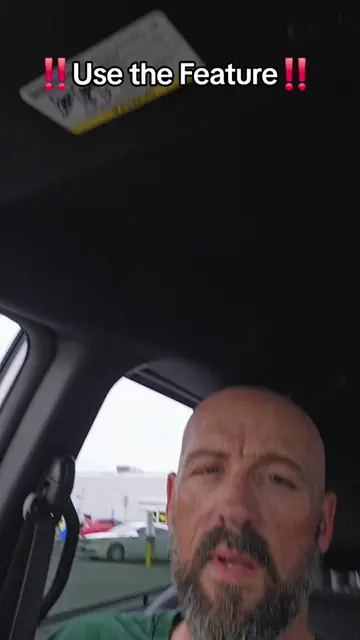
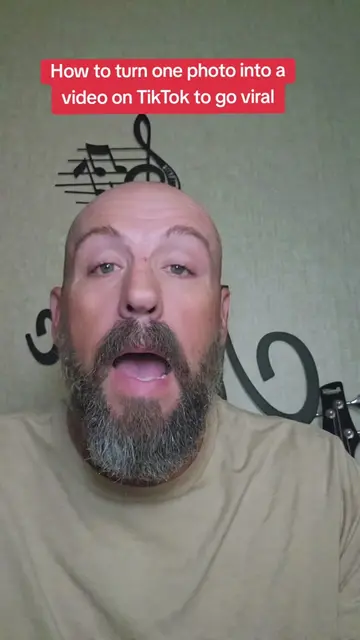
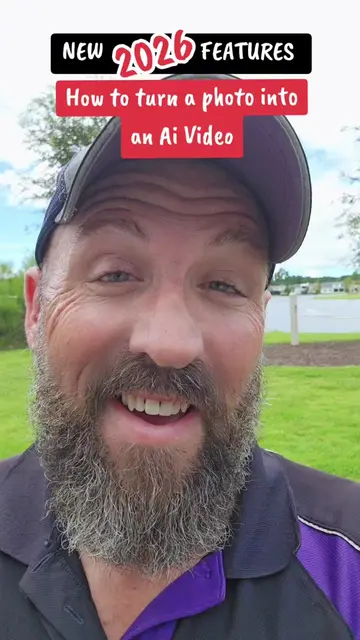
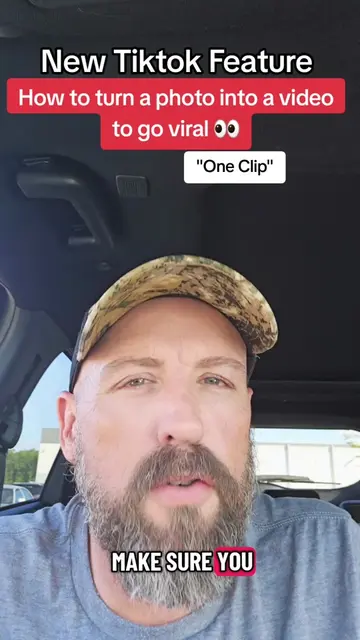
Turn any photo into an AI video on TikTok in minutes
@pames.jawl
190.8K followers · usually 4.6K views a post
Views
1.4M
Likes
15.4K
Comments
556
Shares
2.3K
Promoted product
TikTok
Why it worked
The video provides a clear, concise, and actionable tutorial for a trending AI feature within a popular platform, making it highly shareable and useful for creators looking to leverage new tools.
Summary
This video demonstrates how to use TikTok's AI video feature to turn a still photo into a short video. The creator walks through the steps of uploading a photo, adding a prompt, and letting TikTok generate the video, highlighting the ability to add sound and suggesting testing on stories first.
Structure
- 1Introduction to AI video creation on TikTok
- 2Step-by-step guide to using the feature
- 3Uploading a photo and adding a prompt
- 4Generating the AI video and adding sound
- 5Tips for posting and testing videos
- 6Call to action for comments and follows
Product placement
TikTok (app): used to create AI videos from photos. Its interface is operated, and it generates a visible result (AI video). Removing it would change what happens in the video.
Original caption
Turn a photo into an AI video on TikTok in minutes. 🎥✨ Save this tutorial for later! #TikTokTips #AIVideo #TikTokAI #AITutorial #TikTokTutorial
More from @pames.jawl
More breakout videos from this creator.