Loading video…
Sound

original sound - momisavibe
Kat | MomVibez Growth Coach · Original audio
0:00–:––
Playing this video’s own audio, so you’ll hear the creator over the sound.
This video promotes it, but we haven’t matched it to a product page yet, so there are no product figures.
The video leverages a timely "new update" hook and provides a clear, actionable tutorial for a popular feature on TikTok, directly addressing creators' desire to go viral and gain visibility.
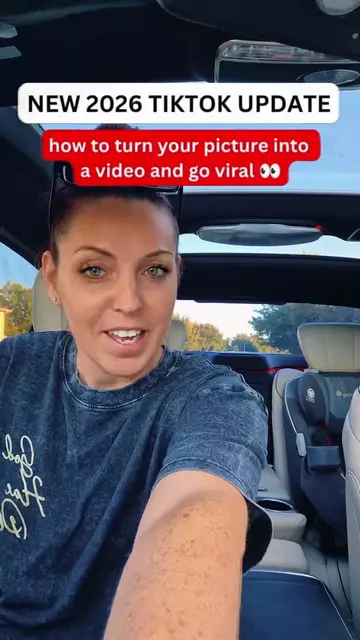
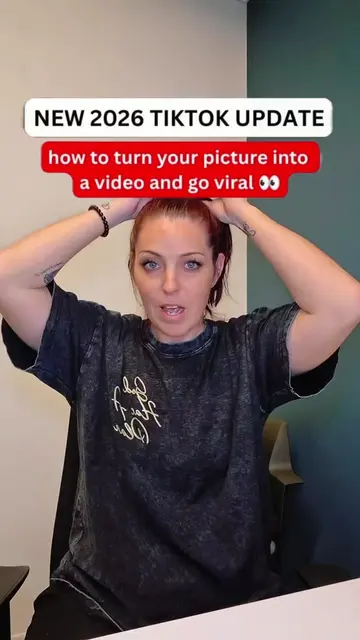
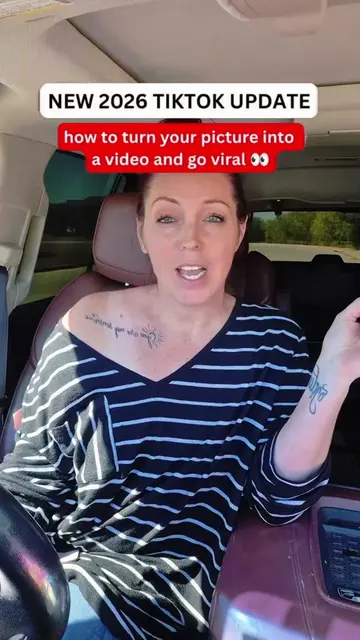
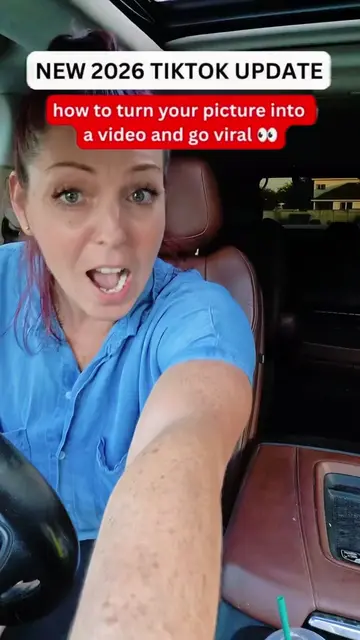
This TikTok tutorial explains how to use a new TikTok update to turn a picture into a video and potentially go viral. The creator guides viewers through selecting a template, adding a picture, and posting it to their story to reach a new audience.
NEW TIKTOK UPDATE: September 2026 this is how I went viral turning a picture into a video #update #tiktokupdate #goviral #tutorial #momisavibe
NEW 2026 TIKTOK UPDATE
Announce new TikTok update for turning pictures into videos.
Explain how to access the feature via the '+' button and 'Create' menu.
Demonstrate selecting a template and a picture.
Advise posting to Stories for wider reach and creating a tutorial video.
Emphasize consistency and engagement for viral growth.
TikTok (app): a social media platform for creating and sharing short-form videos. It ACTS as the platform where the tutorial takes place and the feature is demonstrated. Removing it would change what happens in the video. AI Cast (feature): a feature within TikTok that allows for AI-generated content. It APPEARS as a selectable option. Removing it would not change what happens in the video. CapCut (app): a video editing application. It is mentioned as the tool used to edit the video. Removing it would not change what happens in the video.
Check It Out
Playing this video’s own audio, so you’ll hear the creator over the sound.
Outliers and viral hits: their videos on Overshot, all time.