Loading video…
All breakouts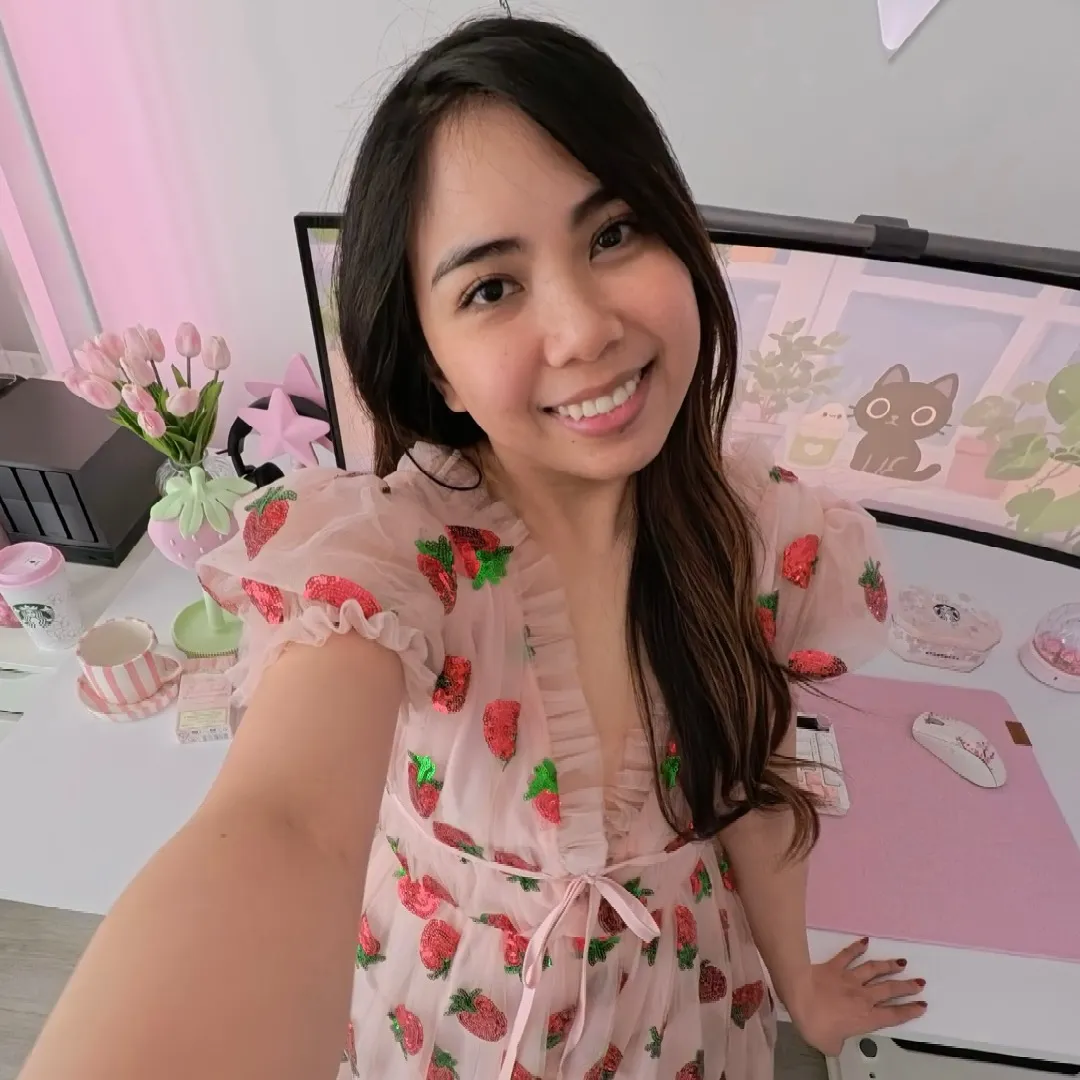
24.0App DemoDirect Question hookConsumer Apps
Hook
DID YOU KNOW
@withlove.cess
8.8K followers · usually 1.4K views a post
Views
32.2K
Likes
1.3K
Comments
17
Shares
208
Why it worked
The video provides a clear, step-by-step tutorial on a common productivity problem for ultrawide monitor users, offering a practical solution with a widely available software tool. The visual demonstration combined with concise on-screen text makes it easy to follow and replicate.
Summary
This video demonstrates how to split an ultrawide monitor into multiple sections using Microsoft PowerToys' FancyZones feature. It guides viewers through installing PowerToys, enabling FancyZones, launching the layout editor, choosing or creating a layout, and then using SHIFT + drag to snap windows into place.
Structure
- 1Introduction to splitting ultrawide monitor
- 2Install Microsoft PowerToys
- 3Enable and configure FancyZones
Original caption
how to split screen on an ultrawide monitor - tutorial If you’re wondering how to split screen on an ultrawide monitor, here’s an easy way to create multiple sections and organize your windows for better productivity. 🖥️✨ I’m using the Arozzi Nova 49” ultrawide monitor with Microsoft PowerToys FancyZones to create custom window layouts on Windows. STEP 1: Install Microsoft PowerToys from the Microsoft Store and open it. STEP 2: Go to FancyZones and make sure it’s turned on. STEP 3: Click Launch layout editor. STEP 4: Choose one of the preset layouts or create your own custom split-screen layout. STEP 5: Hold Shift while dragging a window to display your FancyZones. STEP 6: Drop the window into the zone you want, and it’ll automatically resize and snap into place. 💡 Another way: Drag a window to the top of your screen to see the available Windows layout options, choose your layout, then drop the window into the section you want. And that’s it! If you use a 49-inch ultrawide monitor or any other ultrawide setup, this is an easy way to organize multiple windows and make better use of your screen space. 🙌🏻 Save this Windows productivity tip for later, and let me know in the comments if it worked for you! #ultrawidemonitor #pcsetup #techtutorial #windows11 #desksetup