Loading video…
All breakouts
20.8App DemoListicle hookAI Tools
Hook
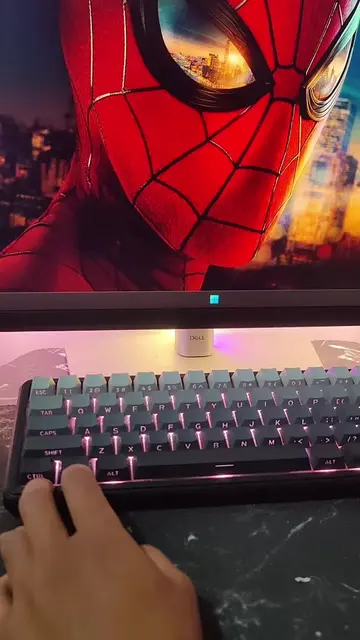
Pc tips everyone should know.
@futureshiftt
91.1K followers · usually 73.2K views a post
Views
1.5M
Likes
62.6K
Comments
251
Shares
9.7K
Why it worked
The video provides a practical and easily actionable PC tip that solves a common user problem (managing installed applications). The clear demonstration and concise explanation make it highly shareable and useful for a broad audience interested in tech.
Summary
This video demonstrates a PC tip for uninstalling hidden Windows apps. By pressing Windows + R and typing 'shell:appsfolder', users can access a list of all installed applications and uninstall unwanted ones to free up space.
Structure
- 1Introduce PC tip
- 2Show Windows + R command
- 3Enter 'shell:appsfolder'
- 4Display all installed apps
- 5
Original caption
Pc tip everyone should know This video will teach you to uninstall any hidden Windows app Follow for more Pc tips #pctips #aitools #usefulwebsites #tipsandtricks #Tech
More from @futureshiftt
More breakout videos from this creator.