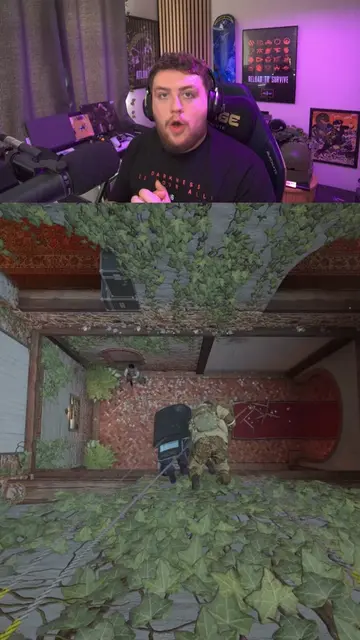
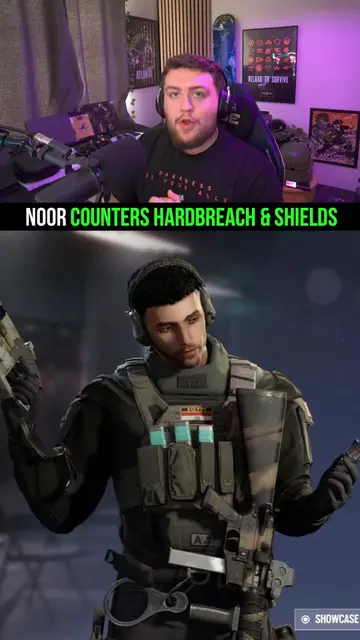
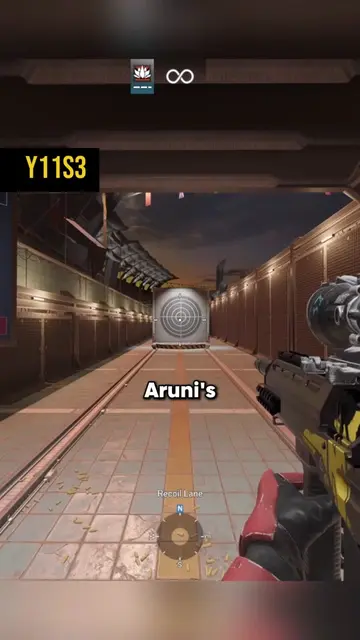
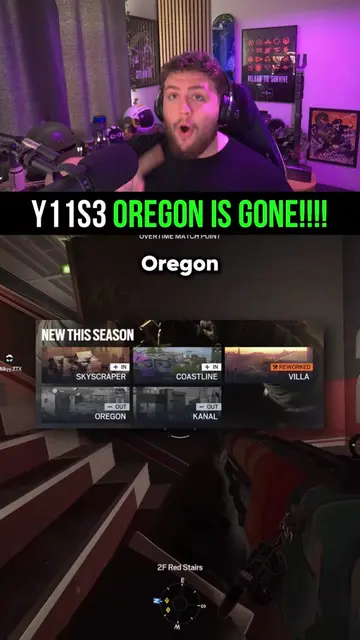
Loading video…
All breakouts
7.2Talking HeadHow-To hookGames
Hook
HOW TO TURN OFF SIEGE MINIMAP
@kudosr6
173.0K followers · usually 31.1K views a post
Views
214.9K
Likes
12.1K
Comments
196
Shares
2.5K
Why it worked
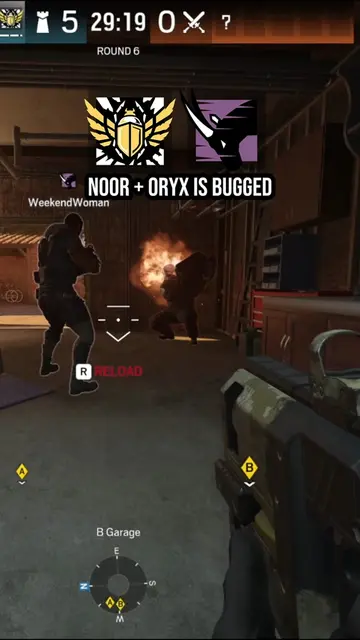
The video addresses a specific, common question or frustration among players of a popular game, providing a clear and concise solution. The use of in-game footage and clear on-screen text makes the tutorial easy to follow.
Summary
This video demonstrates how to disable or change the settings of the minimap in Rainbow Six Siege's quick match mode. The creator explains the options for 'rotate', 'fixed', and 'off' settings for the minimap.
Structure
- 1Introduction to the minimap in quick match
- 2Accessing guidance settings
- 3Explaining 'rotate' and 'fixed' minimap options
- 4Demonstrating how to turn the minimap 'off'
- 5Creator's opinion on the minimap's usefulness
Product placement
Ubisoft (game developer) - APPEARS - Removing it would not change what happens in the video.
Rainbow Six Siege (game) - ACTS - The video demonstrates how to change a setting within the game. Removing it would change what happens in the video.
On-screen text
HOW TO TURN OFF SIEGE MINIMAP
Ubisoft
154/165
Original caption
How to Turn off the mini map in rainbow six siege y11s3! R6 News mini map uav r6 - #RainbowSixSiege #R6News #Rainbow6 #R6lore #gaming
More from @kudosr6
More breakout videos from this creator.