Loading video…
Sound

original sound - mrmiketoks
Mr Mike | Growth Coach · Original audio
0:00–:––
Playing this video’s own audio, so you’ll hear the creator over the sound.
We didn’t find a product being promoted in this video. Its hook, format and structure below still show why it took off.
Browse products winning on TikTokThe video provides a practical and easily actionable tip for TikTok users who post photos, leveraging a feature that enhances content visibility through automatic sound selection and strategic posting options (feed vs. stories).
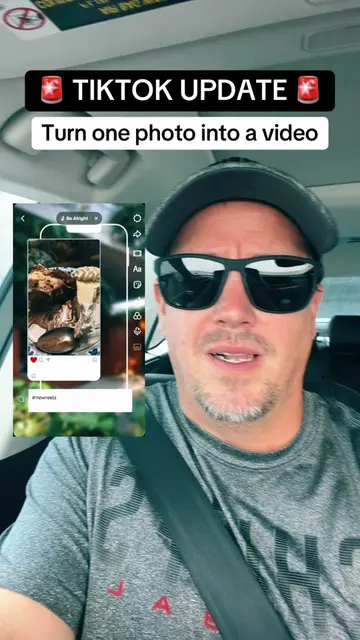
This TikTok tutorial explains how to use a collage grid feature to post multiple photos at once. The creator demonstrates how to access the feature, select photos, and explains that TikTok will automatically add a trending sound to enhance the content's reach.
Tutorial included use this feature if you post photos to Tiktok ##tiktokfeature##newfeature##tiktokgrid##tiktoktips##smallcreators
If You Post Photos
Introduce the photo posting feature
Demonstrate how to access the collage grid
Explain how to select photos
Explain TikTok's automatic sound selection
Discuss posting options (feed vs. stories)
Encourage saving, reposting, and following
TikTok (app): The video demonstrates a feature within the TikTok app. Removing it would change what happens in the video.
Hit that save button, repost us out to some more people that love posting photos can see this collage grid as well and if you love seeing stuff like this hit that follow button because I'm bringing this stuff to you every single day.
Playing this video’s own audio, so you’ll hear the creator over the sound.
Outliers and viral hits: their videos on Overshot, all time.