Loading video…
Sound

original sound - mrmiketoks
Mr Mike | Growth Coach · Original audio
0:00–:––
Playing this video’s own audio, so you’ll hear the creator over the sound.
Hook
Posted Aug 27, 2026Video · 1:15by @mrmiketoks
This video promotes it, but we haven’t matched it to a product page yet, so there are no product figures.
The video leverages a trending feature within a popular app, offering a clear, step-by-step tutorial that is easy to follow. This format appeals to users looking for quick content creation hacks, driving engagement and shares.
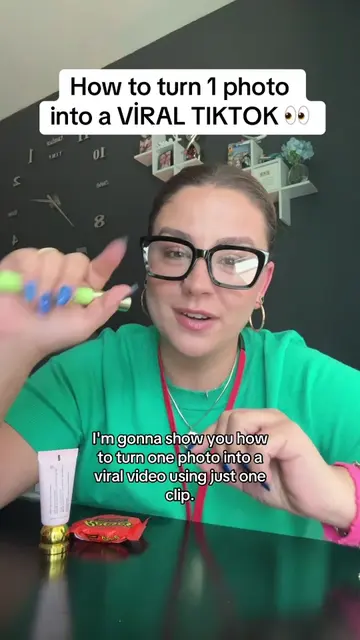
This TikTok tutorial explains how to use the 'One Clip' feature to transform a photo into a video. The creator guides viewers through the app interface, showing how to select templates and upload media to create a short video.
Tiktok tutorial on how to use the new 2026 one clip feature. #tiktoktutorial #OneClip #AIVideo #TiktokTips
Use this feature How to turn a photo into a viral video
Introduction to the 'One Clip' feature
Navigating to the 'Create' screen and finding 'One Clip'
Selecting a template
Uploading photos/videos
Generating and posting the video
Encouragement to create tutorials on this feature
TikTok (app): The video demonstrates a feature within the TikTok app. Removing it would change what happens in the video. One Clip (feature): This is a feature within TikTok that allows users to turn photos into videos. Removing it would change what happens in the video.
repost this video and follow me for more tips and to grow here on TikTok
Playing this video’s own audio, so you’ll hear the creator over the sound.
Outliers and viral hits: their videos on Overshot, all time.