Loading video…
Sound

how would they know bad girls club
Father Mary · Original audio
0:00–:––
- Videos using it
- 9
- Creators
- 5
- Views on those videos
- 8.2M
The video leverages a common pain point for students (efficient and aesthetic note-taking) and offers a simple, visually appealing solution using a popular tool (Goodnotes on iPad). The "secret" framing and playful tone create curiosity and shareability.
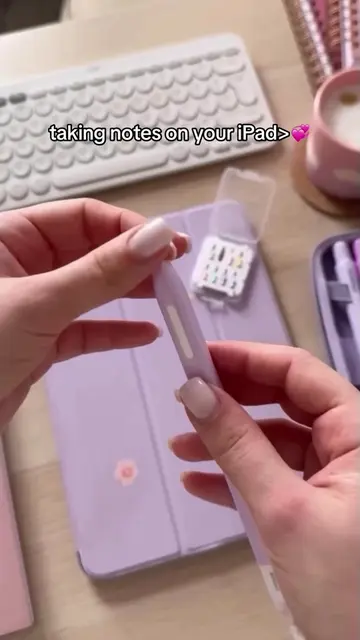
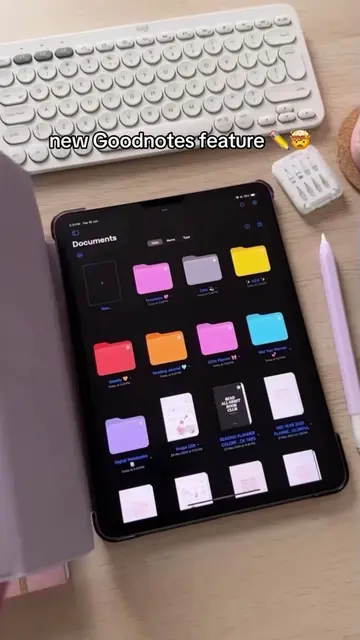
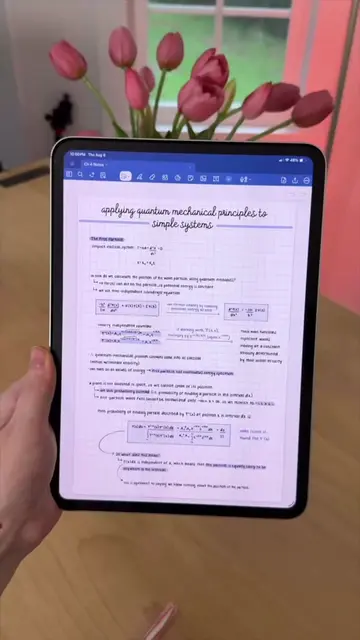
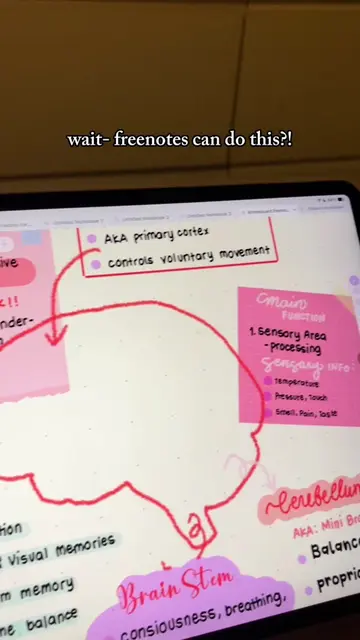
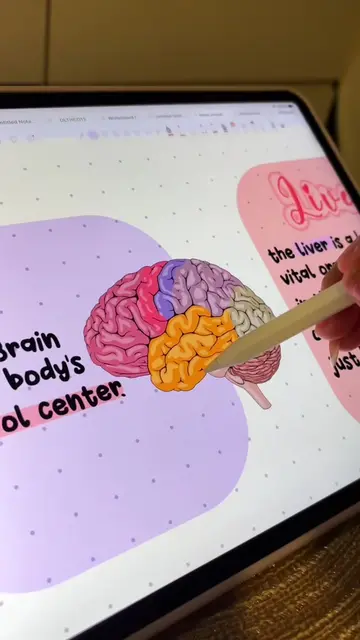
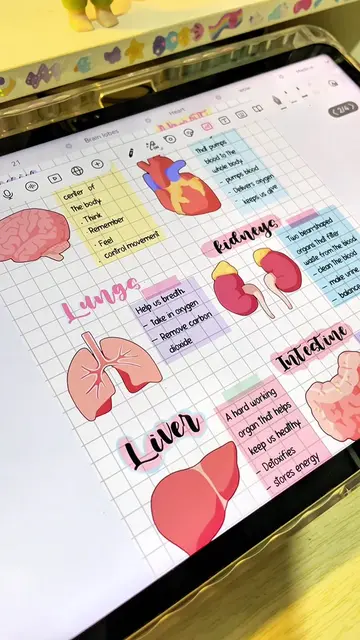
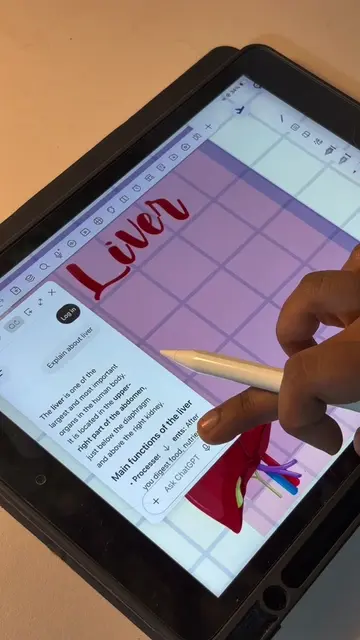
The creator shares a secret tip for using their iPad for note-taking, demonstrating how to easily lift images and add them to their digital notes using Goodnotes. This method is presented as a way to make note-taking more efficient and aesthetically pleasing.
My little iPad note-taking secret 🤭✨ Lifting images and adding them straight to my notes makes everything SO much easier 💕✏️ #digitalplanner #ipadplanning #aestheticnotes #studytok #goodnotes @Goodnotes
my little iPad secret 🤫
Introduction of iPad note-taking secret
Demonstration of lifting an image
Adding the image to Goodnotes notes
Showing the final aesthetic result
Concluding with a playful hint that others won't know the method
Goodnotes (ACTS - it is the app interface being operated to add images to notes, which is the core function of the app; removing it would change what happens in the video) iPad (APPEARS - it is the device being used, but its specific functionality beyond being a tablet is not demonstrated or relevant to the core action; removing it would not change what happens in the video) Liinks (APPEARS - it is a link aggregator in the creator's bio, not the product being promoted; removing it would not change what happens in the video)
Shop my planners, links & freebies ↓
Digital note-taking app for students organizing and annotating class notes
All time.
Promotes 1 product. Create free account to see more.
Outliers and viral hits: their videos on Overshot, all time.