Loading video…
Sound

original sound - colority01
𐌃𐌄𐌔𐌉Ᏽ𐌍𐌄𐌓 · Original audio
0:00–:––
Playing this video’s own audio, so you’ll hear the creator over the sound.
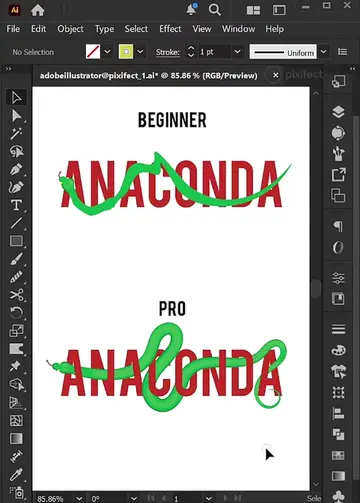
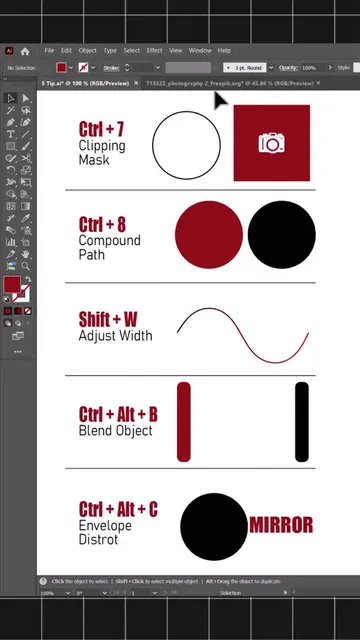
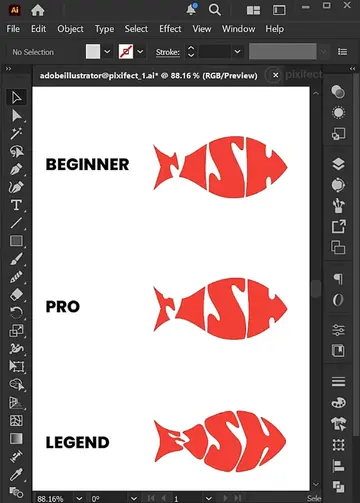
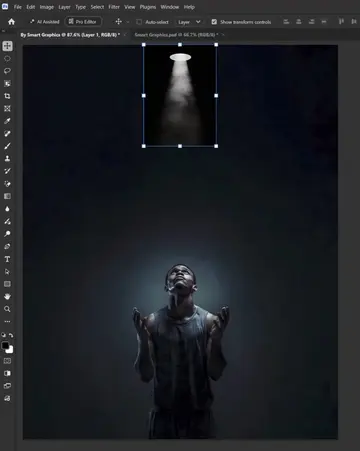
The video provides a clear and concise demonstration of different artboard viewing techniques in Adobe Illustrator, catering to users of all skill levels. The use of visual cues and keyboard shortcuts makes it easy to follow and replicate.
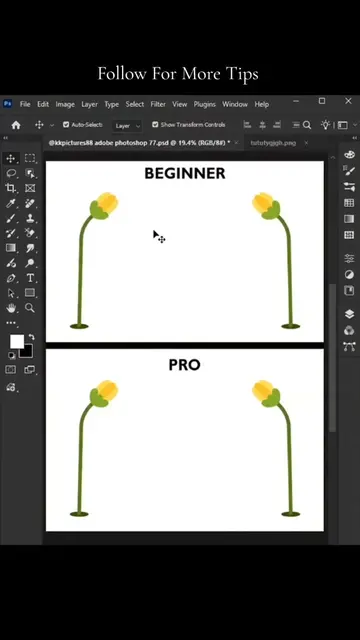
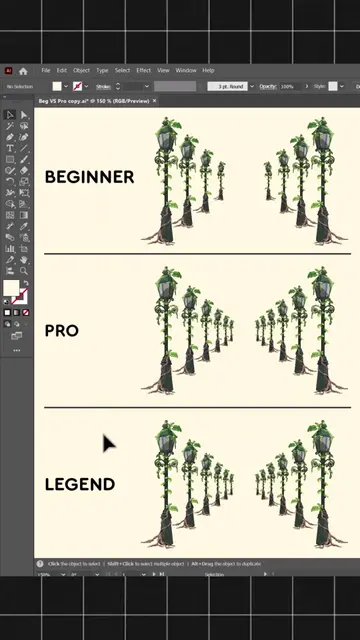
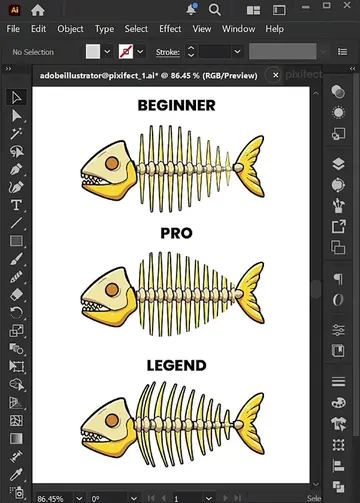
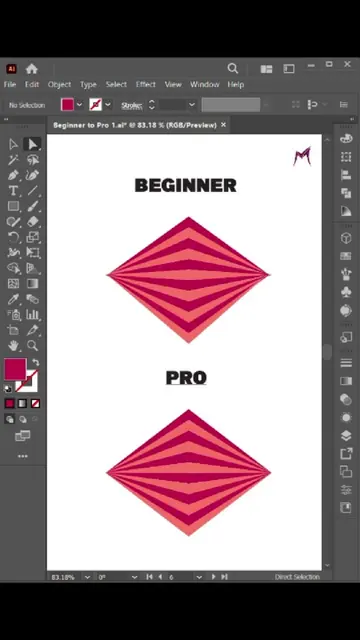
The video demonstrates different ways to view an artboard in Adobe Illustrator, categorizing them as Beginner, Pro, and Legend. It shows how to manipulate the artboard view using keyboard shortcuts and menu options.
Adobe illustrator - Right Way to View an Artboard Like a Legend #adobe #illustrator #designerlife #graphicdesign #designer
BEGINNER
Introduction of Beginner, Pro, and Legend artboard views
Demonstration of Beginner view manipulation
Demonstration of Pro view manipulation with shortcuts
Demonstration of Legend view manipulation with shortcuts
Final view of the artboard
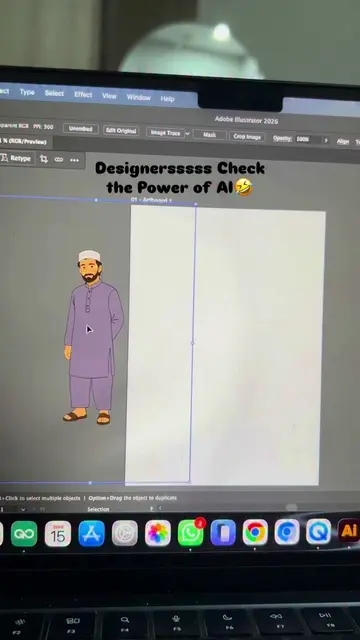
Adobe Illustrator: a graphic design software used to create vector graphics. It ACTS by allowing the user to manipulate artboards and design elements, and removing it would change what happens in the video.
Playing this video’s own audio, so you’ll hear the creator over the sound.
Promotes 1 product. Create free account to see more.
Outliers and viral hits: their videos on Overshot, all time.
Vector graphics software for illustrators and designers
All time.