Loading video…
All breakouts
24.2App DemoOther hookCreator Economy
Hook
File Edit Image Layer Type Select Filter 3D View Plugins Window Help
@colority01
1.7K followers · usually 858 views a post
Views
20.2K
Likes
267
Comments
2
Shares
21
Why it worked
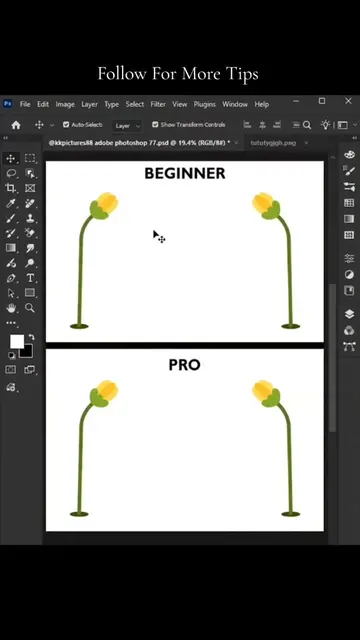
The video provides a clear, concise demonstration of a specific Photoshop tool, appealing to designers and content creators looking to enhance their editing skills. The use of on-screen text and visual cues makes it easy to follow.
Summary
This video demonstrates how to use the Puppet Warp tool in Adobe Photoshop to manipulate an image. The creator adds points to the image and then rotates them to alter the pose of the subject.
Structure
- 1Select subject
- 2Make work path
- 3Apply Puppet Warp
- 4Add points
Original caption
Follow for More Tips #viralreels #photoshoptricks #designtools #graphicdesigner #tiktok
More from @colority01
More breakout videos from this creator.