Loading video…
Sound

original sound - mercy.adebayo348
☂️🏖️mercy.adebayo348 · Original audio
0:00–:––
Playing this video’s own audio, so you’ll hear the creator over the sound.
We didn’t find a product being promoted in this video. Its hook, format and structure below still show why it took off.
Browse products winning on TikTokThe video provides a clear, actionable solution to a common privacy concern for content creators, using a simple step-by-step demonstration that is easy to follow.
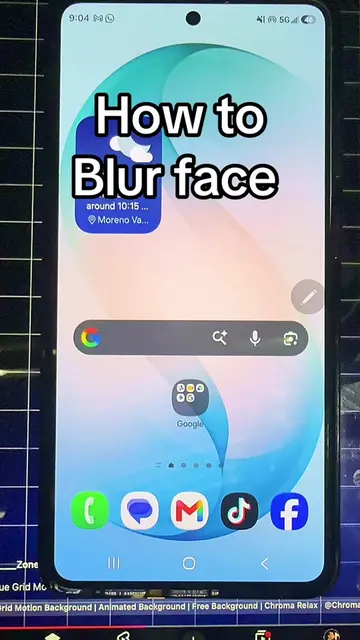
The creator demonstrates how to use the built-in 'face mosaic' effect within the TikTok app to hide faces in a video. This is a tutorial for TikTok users on how to utilize existing platform features.
How to mask or hide someone’s face in your video#tiktoktips#tiktoktutorial#viralvideos#videoediting#contentcreator
How to mask or hide someone face in a video
State the problem of needing to hide faces in videos
Open the TikTok app and start a new project
Navigate to the effects menu
Search for and select the face mosaic effect
Save the edited video
Encourage viewers to follow for more tips
TikTok: (a) ACTS — the creator operates the app's interface to demonstrate a masking effect. Removing it would change the entire video as the tutorial is specific to this app's features.
follow me for more
Playing this video’s own audio, so you’ll hear the creator over the sound.
Outliers and viral hits: their videos on Overshot, all time.