Loading video…
Sound

original sound - k.like93
K.like · Original audio
0:00–:––
Playing this video’s own audio, so you’ll hear the creator over the sound.
The video leverages a popular character (Sonic) and a desirable aesthetic (3D spatial wallpaper) to create engaging content. By providing clear, step-by-step instructions and a direct call to action to use a template, it appeals to users looking for visually appealing phone customizations.
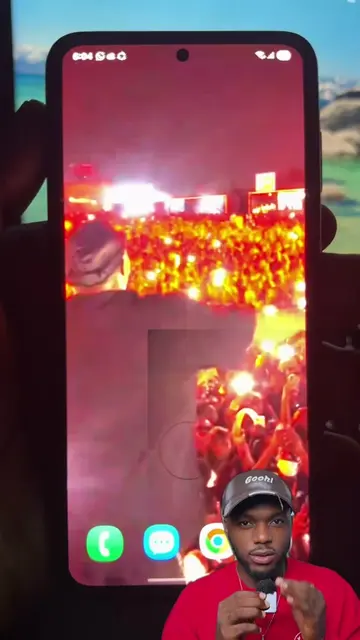
This video demonstrates how to create a 3D spatial wallpaper for an iPhone using the CapCut app. It guides viewers through the process, encouraging them to follow the on-screen operations to achieve the desired wallpaper effect.
iOS 26 how to get 3D spatial wallpaper background for your iPhone.Even at 1% battery, this wallpaper is worth changing. #livewallpaper #4kwallpaper #dynamicwallpaper #iponewallpaper #wallpaper This lock screen feels custom-madeaesthetic wallpaper, iphone lockscreen, live wallpaper, ios26, explore
How to get wallpapers?✅
Showcase of a dynamic Sonic wallpaper
Instructions on how to get wallpapers
Demonstration of using CapCut template
Applying the wallpaper to iPhone
Encouragement to follow the steps
CapCut: it ACTS as an editing app to create a video template. Removing it would change what happens in the video. K.like: it APPEARS as the creator's username on TikTok. Removing it would not change what happens in the video.
Use template in CapCut
Playing this video’s own audio, so you’ll hear the creator over the sound.
Video editing app for creators making social media videos
Views and creators: posted in the last 30 days (English videos). Videos: all time.
Promotes 2 products. Create free account to see more.
Outliers and viral hits: their videos on Overshot, all time.