Loading video…
Sound

supernatural full song
euphoricaudios13 · Original audio
0:00–:––
Playing this video’s own audio, so you’ll hear the creator over the sound.
The video provides a clear, step-by-step tutorial for a niche but popular DIY project (creating custom cutouts). By demonstrating a practical use of a free online tool, it offers value to viewers interested in personalized decorations or fan merchandise.
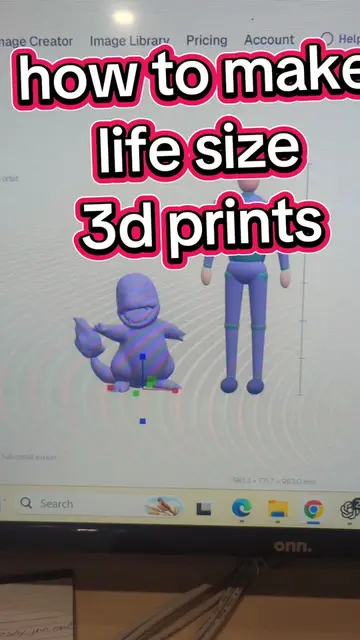
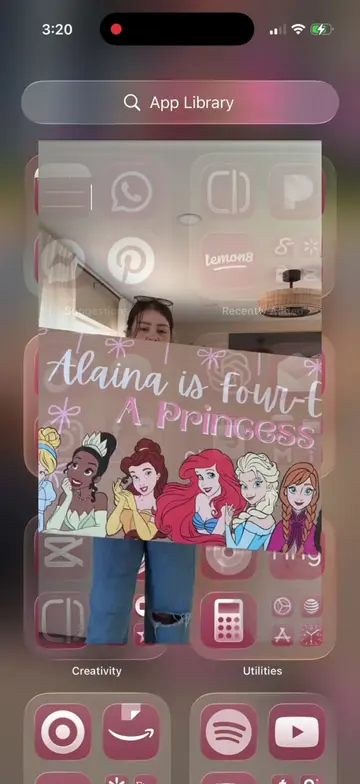
This video provides a tutorial on how to create a lifesize cutout using the Rasterbator website. It guides the viewer through uploading an image, adjusting print settings like paper size and output dimensions, and then printing and assembling the cutout.
and of course, the leo art is courtesy of justnotcobalt #promisestokeepvn #furryvn #cutout #tutorial #fyp
lifesize cutout tutorial
Introduction and purpose of the tutorial
Navigating to Rasterbator website
Uploading an image and adjusting size settings
Selecting print options and completing the process
Printing and assembling the cutout
Rasterbator: ACTS - its interface is operated to generate a poster from an image, which is then printed out. Removing it would change what happens in the video.
Playing this video’s own audio, so you’ll hear the creator over the sound.
Promotes 1 product. Create free account to see more.
Outliers and viral hits: their videos on Overshot, all time.
Browser tool that turns images into printable multi-page posters
All time.