Loading video…
All breakouts
74.7App DemoHow-To hookAI Tools
Hook
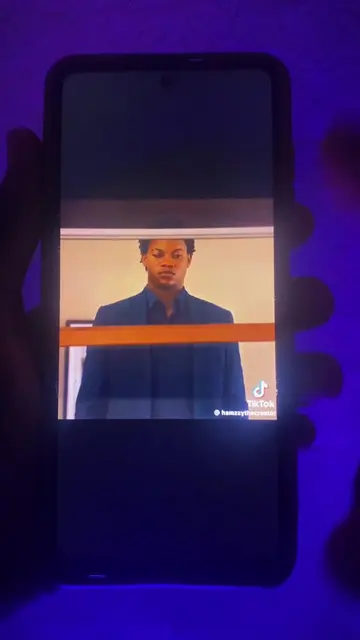
so here's how to create the Bellingham bye edit for free
@wisdomcreatevideos
7.6K followers · usually 1.3K views a post
Views
96.6K
Likes
4.3K
Comments
49
Shares
275
Promoted product
Google Flow
Why it worked
The video leverages a trending social media edit style to provide a high-value tutorial, effectively demonstrating the capabilities of an AI tool while positioning the creator as an expert service provider.
Summary
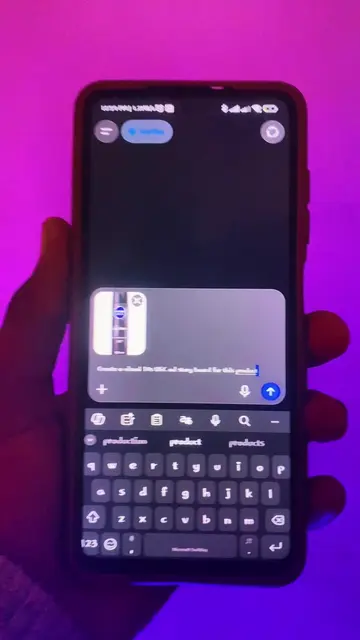
The creator demonstrates how to use the AI tool Google Flow to perform a face-swap for a viral video edit. He then offers his services to create the edit for viewers for a fee.
Structure
- 1Introduction to the Bellingham edit tutorial
- 2Preparation of source images and screenshots
- 3Navigating to and setting up a project in Google Flow
- 4Uploading images and applying the prompt
- 5Generating the face-swap result
- 6Call to action for paid editing services
Product placement
(a) Google Flow: The creator uses its interface to upload images, add them to a prompt, and generate a face-swap result. This is the primary tool demonstrated and the video would not exist without it. (b) TikTok: Appears as a watermark on the video being edited. (c) Windows: Appears as a watermark on the screen recording. (d) Chrome: Mentioned as the browser used to access the tool.
Original caption
How to create the Bellingham edit #bellinghamedit #faceswap #trending
More from @wisdomcreatevideos
More breakout videos from this creator.