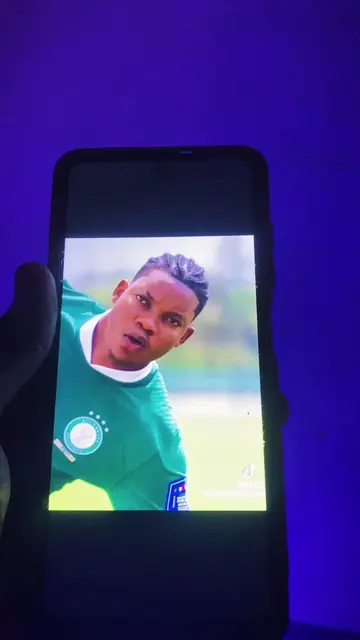
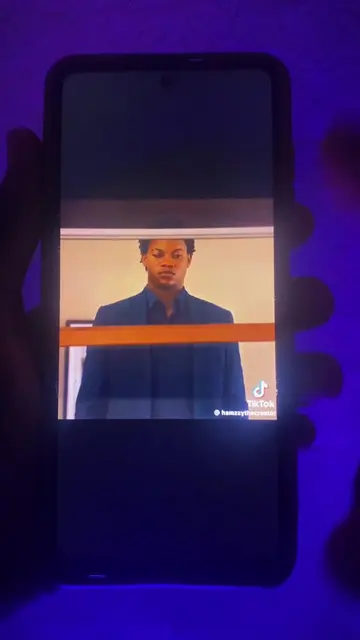
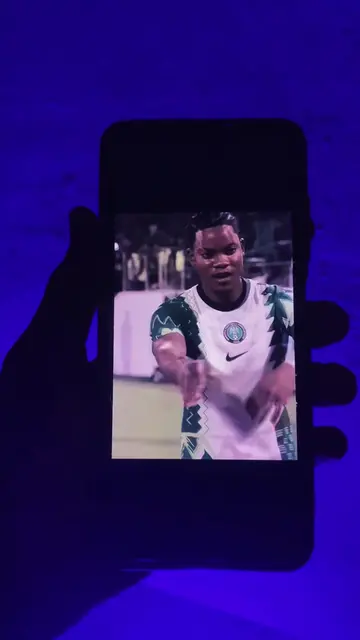
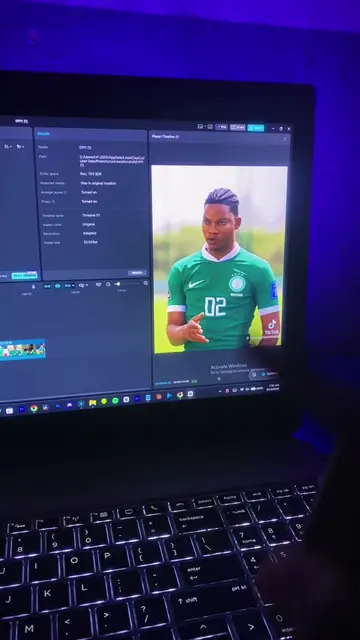
The video solves a specific, trending aesthetic problem ('Mentalist face swap') using a clear, step-by-step tutorial that makes the AI tool feel accessible and highly effective.
Summary
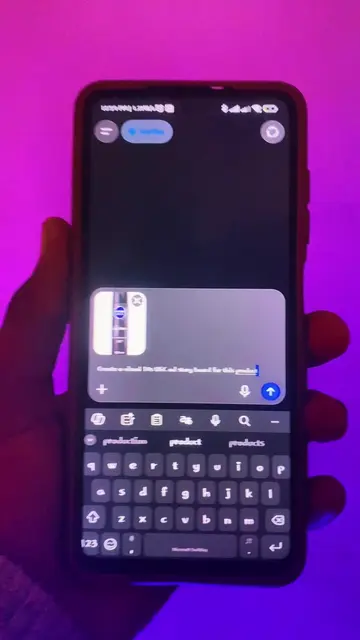
The creator demonstrates how to perform a face swap using the Flow AI tool on a mobile device. He provides a step-by-step tutorial on uploading reference images and using specific prompts to achieve the 'Mentalist' edit style.
Structure
1Take a screenshot of the target scene
2Search for Flow AI in a browser
3Upload reference images to the tool
4Apply the specific prompt for the face swap
Original caption
How to do the mentalist face swap on your mobile phone #faceswap #mentalistedit #mentalist #trending
More from @wisdomcreatevideos
More breakout videos from this creator.
5
Generate and review the final result
Product placement
(a) Flow AI: The creator operates its interface to perform a face swap, showing the upload process, prompt entry, and generation result. This ACTS. (b) Chrome: Appears as the browser used to access the tool. (c) Telegram: Appears as the distribution channel for the prompts. (d) WhatsApp: Appears in the creator's bio as a contact method. (e) Linktree: Appears in the creator's bio as a link aggregator.
Call to action
just DM me now and I'll send you the details
On-screen text
so here's how
do the Mentalist face
swap on your mobile
first of all you're going to take
a screenshot of
the scene you
want to create
just like this let's
crop it down
then you're going to
go to any browser
of your choice for
this we're going to
use Chrome
then we're going
to search for Flow AI
let me turn on
my data
flow
AI
then we're going to
search it
then we're going to click on this first one right here
Google AI
subscribers now
receive 50
additional FL
credits
we're going to click
on new project
then you're going to click on this plus
button right here
this plus button
then you're going to click on this button right here
to import your
images
this is our screenshots
you import your
screenshot
then you're going to
import the
pictures of
yourself
so it's going to
upload
then when it
has uploaded finish it's
going to come up like this
you're going to click on this cancel right here
and then you're going to click on this plus button right here
click on this plus
button
then you're going to
choose your image
your reference image first
that is the screenshot of
um Hamzy
then you're going to
click
on that plus button and put your own ref your own
photos your own
original photos
I already
choose all of them now as you can see
down here
I've chosen all of them
then you click on this place
then we're going to
add this prompt
now if you want to get this prompt
I've put all the
prompts in my Telegram
channel the
link is in my bio just click on the
link
copy the prompt and follow along in
this tutorial
then you're going to click on this
button right here
and I'm going to
choose you're going to
choose one by one because that is the
ratio of your
Mentalist edits
then you're going to
choose Nano Banana Pro
and you choose 1x
then you send it
then we're going to
wait for the magic
as you can see right here it has generated
and we have successfully done
a face swap if you look over here
exactly the way it is here
that is the way it
is here
you can just do that for
every of your screenshots
I'm going to because I'm going to be posting all the screenshots in the Telegram
channel
in the Telegram
group just go over there you're going to see
all the screenshots
just use the prompt for
all of your screenshots
then you're going to
make a successful
face swap
like this
now if you want to learn how to create
AI Mentalist video
like this
or you want me to create for you
you want to learn how to use AI
in any type of
video you want to do
just DM me
now and I'll
send you the details
Transcript
So here's how to do the Mentalist face swap on your mobile phone. First of all, you're going to take a screenshot of the scene you want to create, just like this. Let's crop it down. Then you're going to go to any browser of your choice. For this, we're going to use Chrome. Then we're going to search for Flow AI. Let me turn on my data. Flow AI. Then we're going to search it. Then we're going to click on this first one right here. We're going to click on new project. Then you're going to click on this plus button right here, this plus button. Then you're going to click on this button right here to import your images. This is our screenshot. You import your screenshot. Then you're going to import the pictures of yourself. So it's going to upload. Then when it has uploaded finish, it's going to come up like this. You're going to click on this cancel right here, and then you're going to click on this plus button right here. Click on this plus button. Then you're going to choose your image, your reference image first, that is the screenshot of um Hamzy. Then you're going to click on that plus button and put your own ref, your own photos, your own original photos. I already choose all of them now, as you can see down here. I've chosen all of them. Then you click on this place, then we're going to add this prompt. Now, if you want to get this prompt, I've put all the prompts in my Telegram channel. The link is in my bio. Just click on the link, copy the prompt and follow along in this tutorial. Then you're going to click on this button right here, and I'm going to choose, you're going to choose one by one because that is the ratio of your Mentalist edits. Then you're going to choose Nano Banana Pro and you choose 1x. Then you send it. Then we're going to wait for the magic. As you can see right here, it has generated and we have successfully done a face swap. If you look over here, exactly the way it is here, that is the way it is here. You can just do that for every of your screenshots. I'm going to, because I'm going to be posting all the screenshots in the Telegram channel, in the Telegram group. Just go over there, you're going to see all the screenshots. Just use the prompt for all of your screenshots, then you're going to make a successful face swap like this. Now, if you want to learn how to create AI Mentalist video like this, or you want me to create for you, you want to learn how to use AI in any type of video you want to do, just DM me now and I'll send you the details.