Loading video…
Sound

original sound - bentleyb2331
Bentleyb2331 · Original audio
0:00–:––
- Videos using it
- 419
- Creators
- 309
- Views on those videos
- 102.6M
The video solves a specific, high-intent technical problem for a popular mobile game, providing clear, actionable steps that viewers can easily follow.
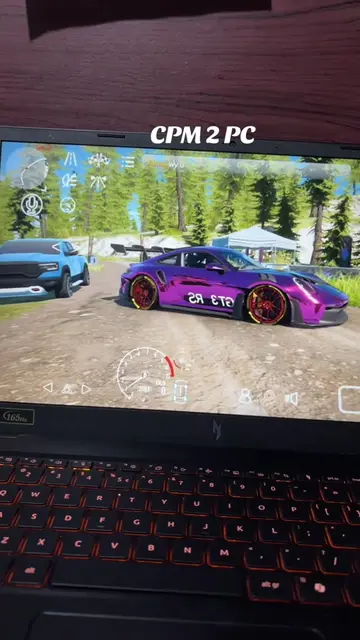
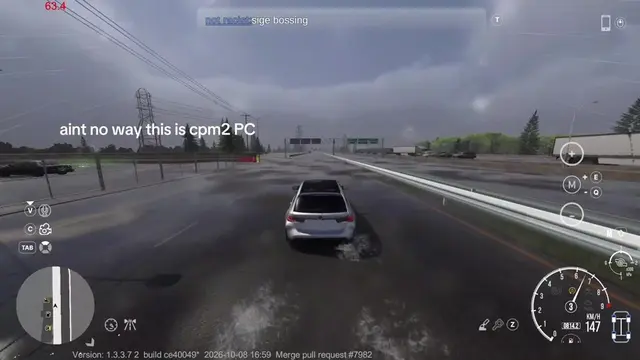
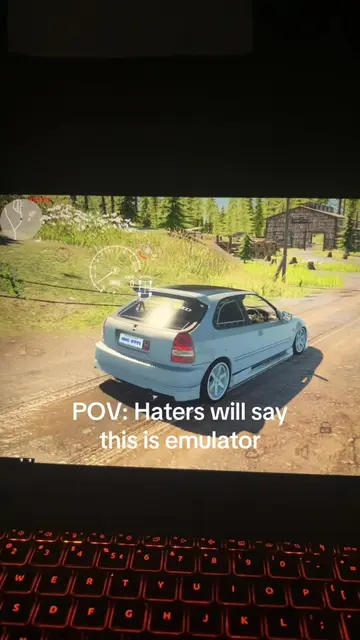
The creator provides a step-by-step tutorial on how to install and configure the BlueStacks Android emulator on a PC to play the mobile game Car Parking Multiplayer 2. The video covers the download process, initial setup, and control mapping for the game.
Replying to @its_yow_dawg_jastinnnn this is how i downloaded it #cpm2pc #cpm2 #carparkingmultiplayer
Tutorial on how to download CPM 2 in PC
Search and download BlueStacks
Install and launch the emulator
Sign in to Google account
Download Car Parking Multiplayer 2
Configure game controls
(a) BlueStacks: ACTS; it is an Android emulator used to run the mobile game on a PC. Removing it would change the video as it is the primary tool being demonstrated. (b) Car Parking Multiplayer 2: ACTS; it is the game being downloaded and played. Removing it would change the video as it is the subject of the tutorial.
Promotes 2 products. Create free account to see more.
Outliers and viral hits: their videos on Overshot, all time.
Android emulator for people who want to play mobile games on a Mac or PC
All time.