Loading video…
Sound

original sound - Tasya Octav ౨ৎ ♡
Tasya Octav ౨ৎ ♡ · Original audio
0:00–:––
Playing this video’s own audio, so you’ll hear the creator over the sound.
This video promotes it, but we haven’t matched it to a product page yet, so there are no product figures.
The video addresses a common pain point for content creators (poor audio quality without a mic) and offers a simple, accessible solution using a readily available tool (iPhone's built-in features). The clear 'before and after' demonstration and step-by-step instructions make it highly practical and shareable.
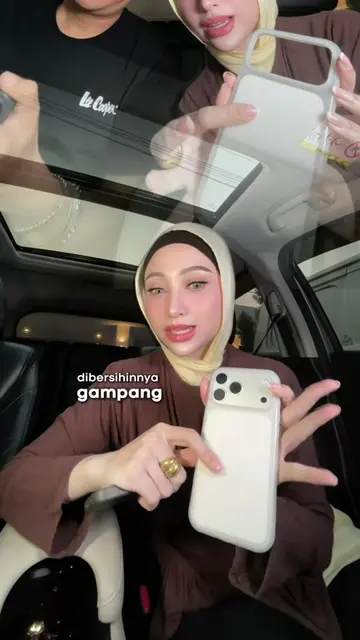
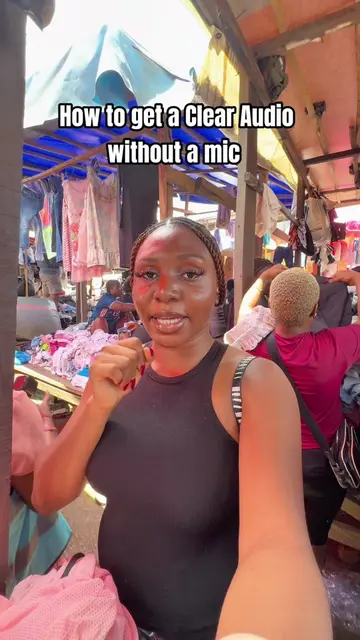
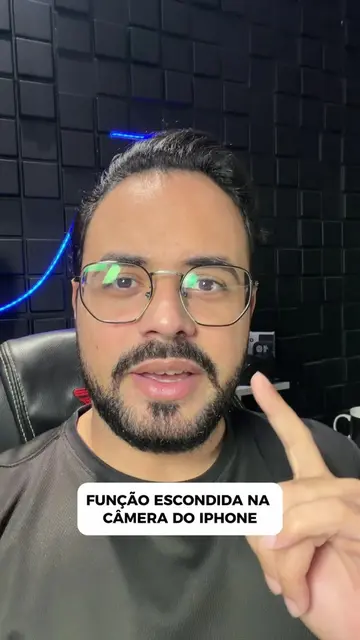
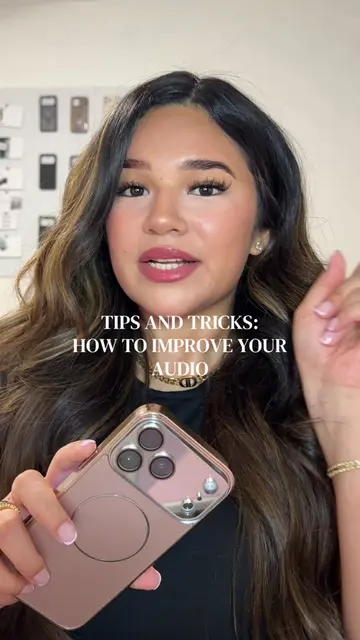
This video provides a tutorial on how to achieve clear audio for videos without a microphone, using only the built-in features of an iPhone. It demonstrates how to adjust camera settings to enable Spatial Audio, which reduces background noise and enhances voice clarity.
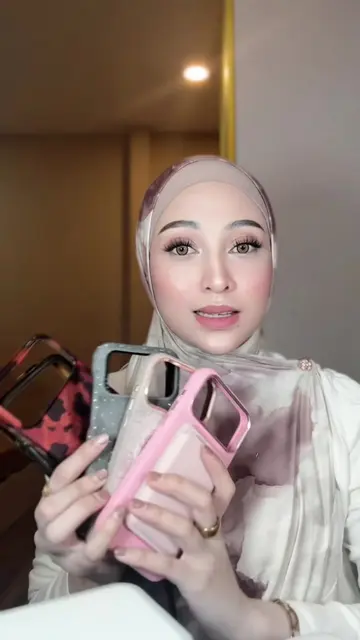
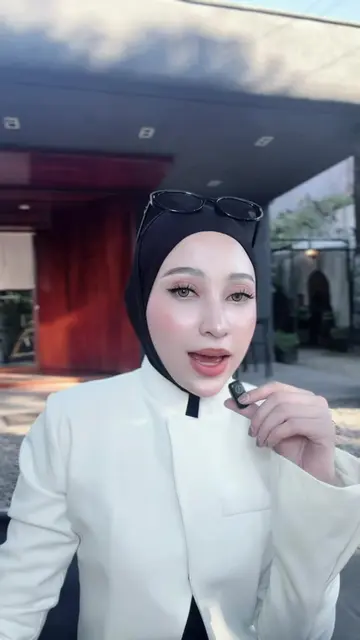
Suara video kurang jernih? Lupa bawa mic? Ini solusinya 🤩⭐️ pengguna IPhone harus tau ada fitur yang bisa kalian gunain & sangat bermanfaat loh! Bikin suara kita lebih jernih, jelas, anti bising 🫶🏻🥰 save video ini, semoga bermanfaat.
Tutorial suara jernih tanpa microphone
Introduction to the problem of unclear audio
Demonstration of the 'before' and 'after' audio quality
Explaining the iPhone feature for clear audio
Step-by-step guide to enable Spatial Audio in iPhone settings
Concluding with a call to share the video
iPhone: ACTS - it is used to record video with improved audio quality. Removing it would change what happens in the video. Apple: APPEARS - it is the brand of the phone, a corner watermark. Removing it would not change what happens in the video.
Share video ini ke temen kamu
Playing this video’s own audio, so you’ll hear the creator over the sound.
Promotes 3 products. Create free account to see more.
Outliers and viral hits: their videos on Overshot, all time.