Loading video…
Sound

original sound - tycotech.ca
tycotech · Original audio
0:00–:––
Playing this video’s own audio, so you’ll hear the creator over the sound.
The video provides a practical and easily applicable tech tip that solves a common problem for smartphone users, making it highly shareable and valuable content.
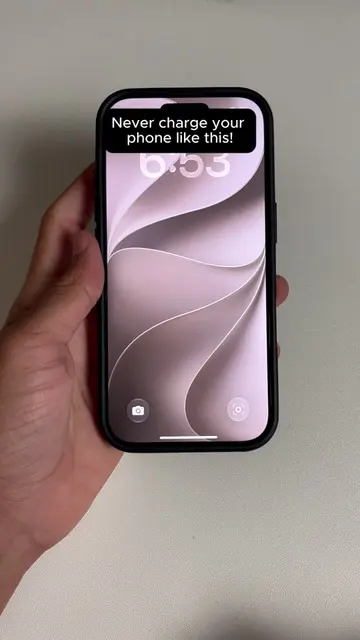
This video demonstrates how to use the Voice Isolation feature on an iPhone to block out background noise during phone calls. The creator shows how to access this feature through the control center while on a call, enabling clearer communication in noisy environments.
Your iPhone has a hidden microphone setting that completely blocks out all background noise during phone calls and most people have no idea it exists. Tag somebody that always has a noisy background. 👇 #iPhoneTips #TechHacks #iPhoneTricks #imessage #iphone
If your on a call in a noisy place do this!
Introduce problem: noisy calls
Show how to access controls
Select Voice Isolation feature
Explain benefit: clear calls
Call to action: tag someone
iPhone: ACTS - it is operated to demonstrate a feature that improves call quality. Removing it would change what happens in the video. Voice Isolation: ACTS - it is a feature of the iPhone that is selected to improve call quality. Removing it would change what happens in the video.
Tag somebody that always has a noisy background. 👇
Playing this video’s own audio, so you’ll hear the creator over the sound.
IPhone call feature that reduces background noise for clearer conversations
All time.
Promotes 2 products. Create free account to see more.
Outliers and viral hits: their videos on Overshot, all time.