Loading video…
Sound

original sound - evelynmessenger
evelynmessenger · Original audio
0:00–:––
Playing this video’s own audio, so you’ll hear the creator over the sound.
This video promotes it, but we haven’t matched it to a product page yet, so there are no product figures.
The video provides practical, aesthetic customization tips for a popular product (MacBook), appealing to users who enjoy personalizing their devices. The clear, step-by-step demonstration and the use of a visually appealing pink theme likely contributed to its engagement.
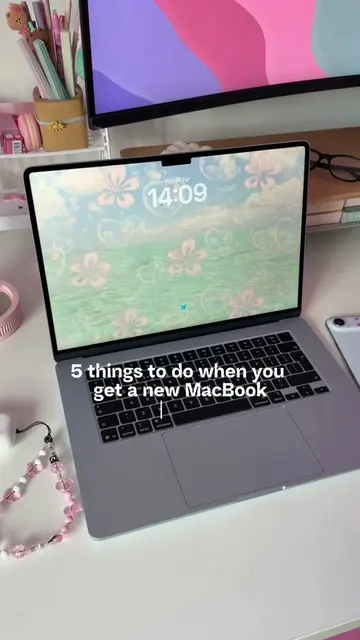
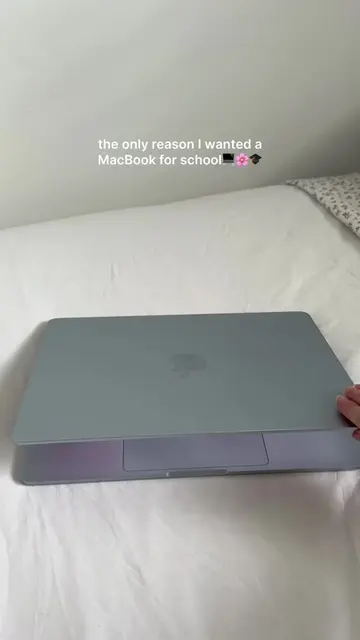
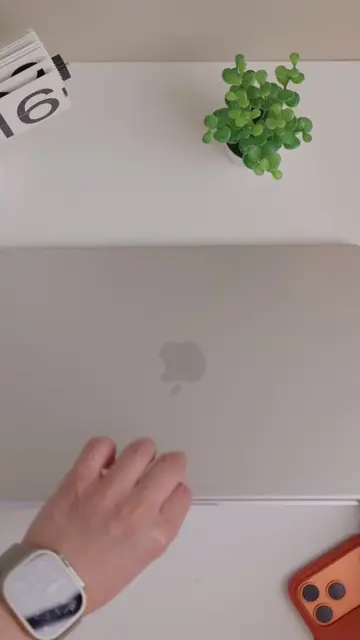
This video demonstrates how to customize a MacBook's appearance by adjusting the dock size and adding widgets. The creator shows how to delete unwanted apps from the dock, change the dock's size, and add various widgets to the desktop, including a lava lamp and photo widgets.
#macbookneo #macbooktipsandtricks #pinkmacbookneo #macbook #macbookapps
MacBook girls listen up
Introduction to MacBook customization
Adjusting dock size and appearance
Deleting unwanted dock apps
Adding widgets to the desktop
Customizing widget appearance
MacBook (acts): A laptop computer that is being customized by the user. Removing it would change the video. CapCut (appears): A video editing app logo shown at the end of the video. Removing it would not change the video.
Playing this video’s own audio, so you’ll hear the creator over the sound.
Outliers and viral hits: their videos on Overshot, all time.