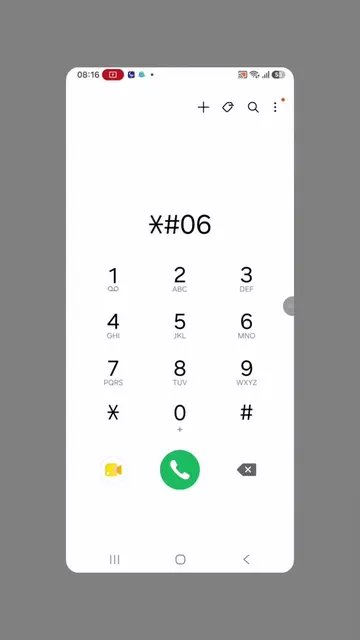
Loading video…
Sound

original sound - uuxyxpmc
Liwam Tips · Original audio
0:00–:––
Playing this video’s own audio, so you’ll hear the creator over the sound.
The video addresses a common, high-anxiety problem (unknown callers/spam) and provides a clear, step-by-step tutorial on how to solve it using a specific tool.
The creator demonstrates how to use the Eyecon app to identify unknown callers and block spam. They instruct viewers to download the app via a specific search term in the Play Store to access its features.
የማታቁት ስልክ ወደ ስልካችሁ በሚደወልበት ጊዜ የደዎዮን ማንነት ለማወቅ // How to identity unknown number call by using eyecon caller id application #pyfツviral_❤ #phone #unknown #numbers #calls
የማታቁት ስልክ ወደ ስልካችሁ በሚደወልበት ጊዜ
Identify the problem of unknown callers
Introduce Eyecon as the solution
Explain the app's features like social media lookup
Provide instructions on how to download the app
Call to action for engagement and future tutorials
(a) Eyecon: The app is operated to demonstrate identifying unknown callers, blocking spam, and viewing social media profiles of contacts. It is the subject of the video. Removing it would change the entire video. (b) WhatsApp, Instagram, Facebook, LinkedIn: These appear as icons within the Eyecon interface to show social media integration. They are substrate. (c) Play Store: Appears as the platform for downloading the app. It is substrate. (d) Jami Pro: Appears as a search term in the Play Store. It is substrate.
ሶስት ጊዜ ኮፒ ሊንክ በማድረግ እና ኮሜንት ላይ ሁለት ቁጥርን በመጻፍ ወደ ስልካችሁ ፕሌይ ስቶር በመግባት...
Playing this video’s own audio, so you’ll hear the creator over the sound.
Promotes 2 products. Create free account to see more.
Outliers and viral hits: their videos on Overshot, all time.
Caller ID app that identifies unknown callers and blocks spam calls
All time.