Loading video…
Sound

Promoted Music
Original audio
0:00–:––
Playing this video’s own audio, so you’ll hear the creator over the sound.
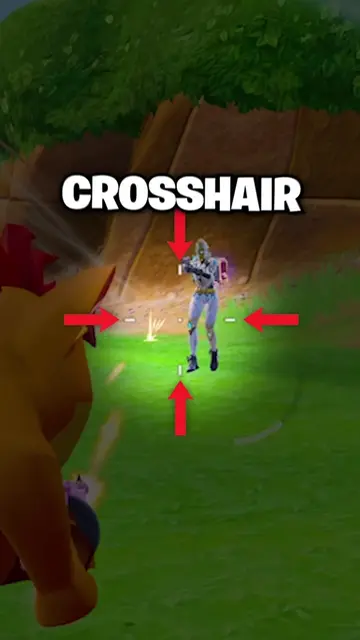
The video effectively targets a common pain point for mobile gamers with low-end devices – difficulty in achieving headshots. By offering a seemingly simple solution with a clear demonstration of its effectiveness, it creates a strong incentive for viewers to download the promoted app.
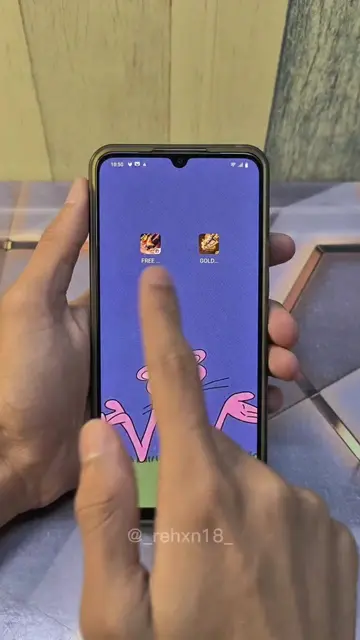
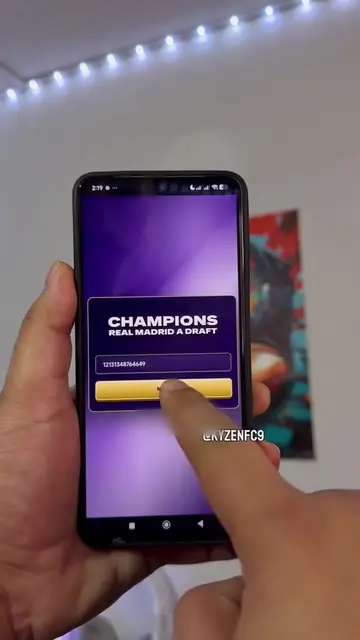
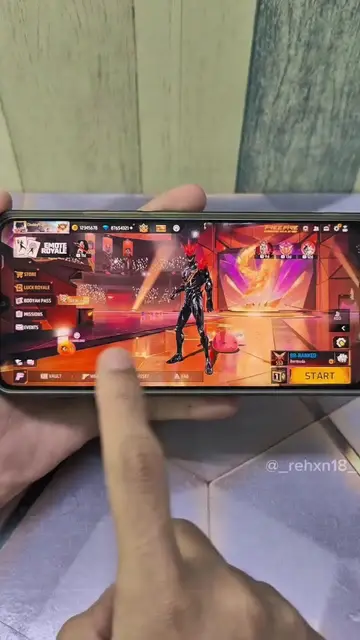
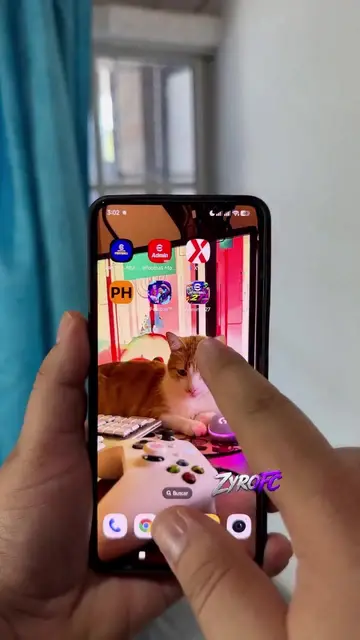
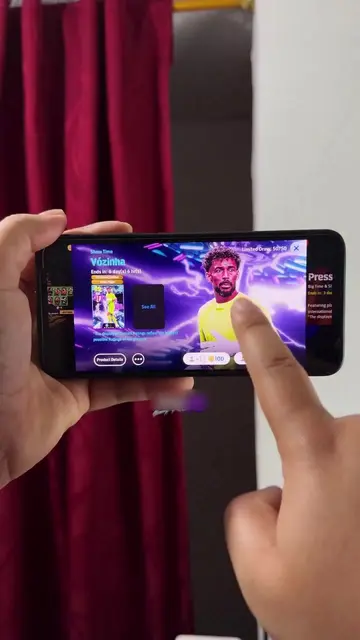
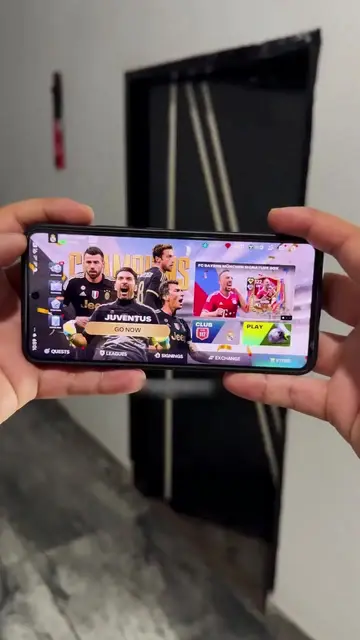
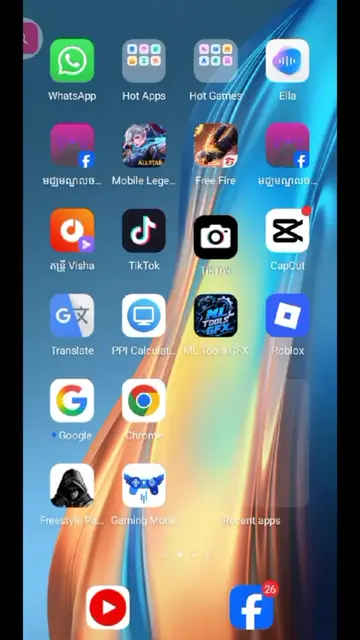
This video demonstrates how to use an app called 'FPS Booster - 120 FPS Turbo' to improve aiming and achieve headshots in mobile games, particularly for users with budget phones. It shows the app's settings and its effectiveness in gameplay, encouraging viewers to download it.
Download for free now! _5338_13
WAIT FOR END
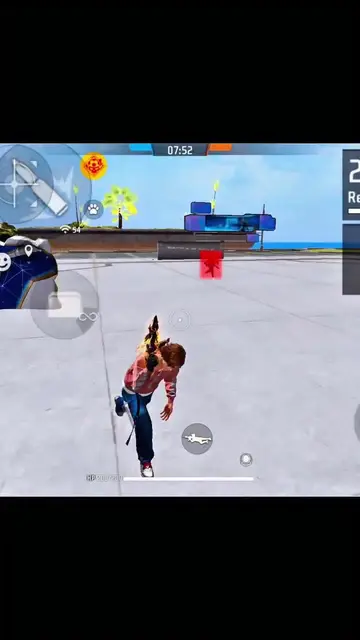
Demonstration of gameplay with a low-end phone
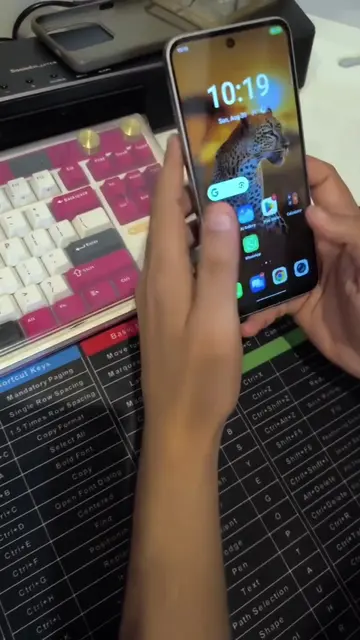
Introduction of the FPS Booster app and its benefits
Step-by-step guide to setting up the app
Showcase of improved gameplay with headshots
Call to action to download the app
FPS Booster - 120 FPS Turbo (ACTS): This app is used to boost the FPS in games, allowing for smoother gameplay and better aiming. Removing it would change the video's demonstration of how to improve game performance. The app appears to be a utility for mobile gaming. It is shown being downloaded from the Google Play Store and its settings are adjusted to improve game performance. The app's icon and name are displayed prominently at the end of the video. Google Play (APPEARS): This is a platform where the app is downloaded from. Removing it would not change what happens in the video, as it is just a storefront.
Download for free now!
Playing this video’s own audio, so you’ll hear the creator over the sound.
Promotes 6 products. Create free account to see more.
Outliers and viral hits: their videos on Overshot, all time.
Mobile utility app that claims to boost game performance for mobile gamers
All time.