Loading video…
Sound

original sound - hblbankpk
HBL · Original audio
0:00–:––
Playing this video’s own audio, so you’ll hear the creator over the sound.
Hook
Posted Sep 18, 2026Video · 0:20by @hblbankpk
The video uses a clean, high-contrast screen recording to show a specific, high-utility feature that solves a common pain point for banking app users, making the product feel indispensable.
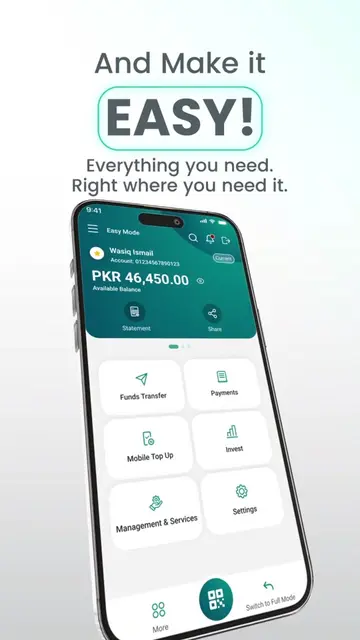
This video demonstrates how to use the 'Favourites' feature in the HBL Mobile app to quickly access and pay frequent receivers and billers. It highlights the ease of making instant transfers and payments through the app.
Your go-to transfers & payments, just a tap away. Add your favourite receivers, payees and billers on HBL Mobile and make everyday transactions faster and easier. #HBL #HBLMobile #MadeForYou
HBL Mobile ke saath, apne go-to payees and billers ko dhoondna ab aur bhi aasaan.
Introduction to HBL Mobile convenience
Demonstration of selecting favourites
Demonstration of instant transfers and payments
Instructions on how to mark favourites
Final call to download the app
HBL Mobile: (a) ACTS — the app interface is operated to demonstrate adding favorites, making transfers, and payments. Removing it would change the entire video. HBL: (b) APPEARS — the bank's logo appears as a watermark and in the app interface. Removing it would not change the functional demonstration of the app.
Download Now Through Official Stores Only
Playing this video’s own audio, so you’ll hear the creator over the sound.
Promotes 2 products. Create free account to see more.
Outliers and viral hits: their videos on Overshot, all time.
Mobile banking app for HBL customers to transfer money and pay bills
All time.