Loading video…
Sound

original sound - hblbankpk
HBL · Original audio
0:00–:––
Playing this video’s own audio, so you’ll hear the creator over the sound.
The video addresses a common pain point—complex banking apps—and provides a clear, step-by-step visual solution that makes the product feel more user-friendly.
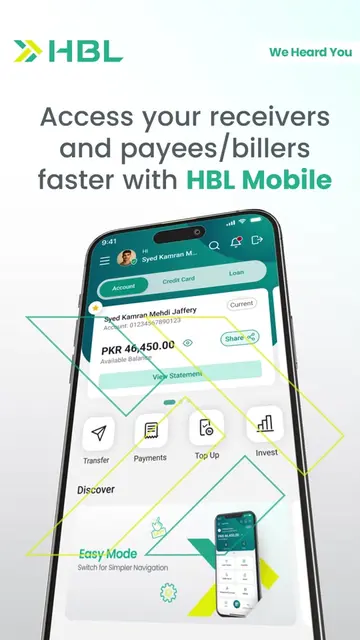
The video demonstrates how to enable 'Easy Mode' within the HBL Mobile app to simplify the user interface. It highlights the feature as a way to make banking more accessible and efficient for the user.
Wish banking could be a little easier? With Easy Mode on HBL Mobile, a simpler banking experience is just a switch away. Download or update from the Google Play Store or Apple App Store only. #HBL #HBLMobile #MadeForYou
Want a simpler Banking Experience?
Introduce the problem of complex banking
Show navigation to settings menu
Demonstrate enabling Easy Mode
Show the simplified banking dashboard
Direct users to official app stores
HBL Mobile: (a) ACTS — the interface is operated to show the 'Easy Mode' feature, which simplifies the banking dashboard. Removing it would remove the entire subject of the video. HBL: (b) APPEARS — the brand logo is present as a watermark and in the final end card. Removing it would not change the functional demonstration of the app.
Download or update from the Google Play Store or Apple App Store only.
Playing this video’s own audio, so you’ll hear the creator over the sound.
Promotes 2 products. Create free account to see more.
Outliers and viral hits: their videos on Overshot, all time.
Mobile banking app for HBL customers to transfer money and pay bills
All time.