Loading video…
Sound

original sound - tunes_vibes
Tunes_vib5ev · Original audio
0:00–:––
Playing this video’s own audio, so you’ll hear the creator over the sound.
- Videos using it
- 2
- Creators
- 2
- Views on those videos
- 94.9K
Hook
Posted Sep 18, 2026Video · 0:15by @ozfpct0
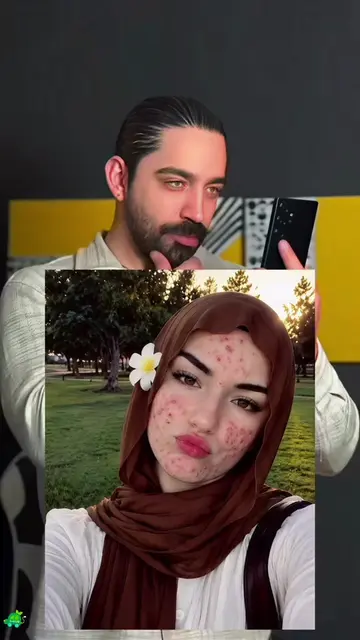
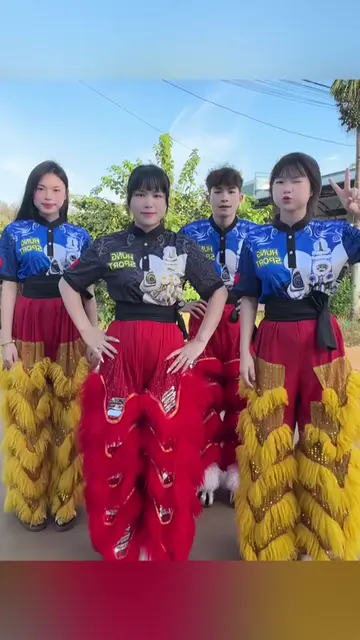
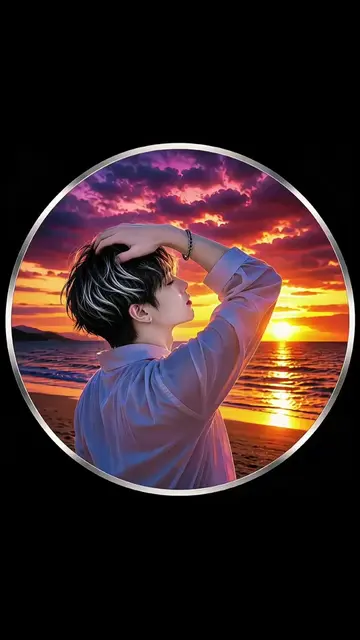
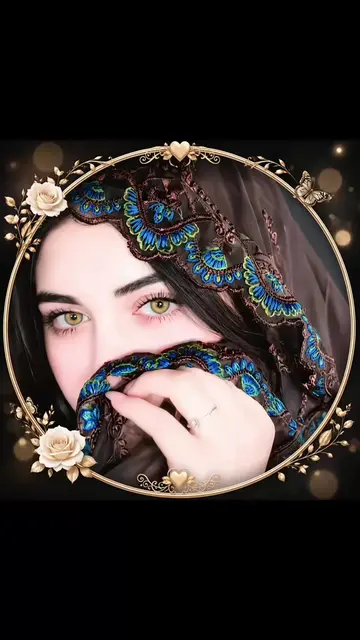
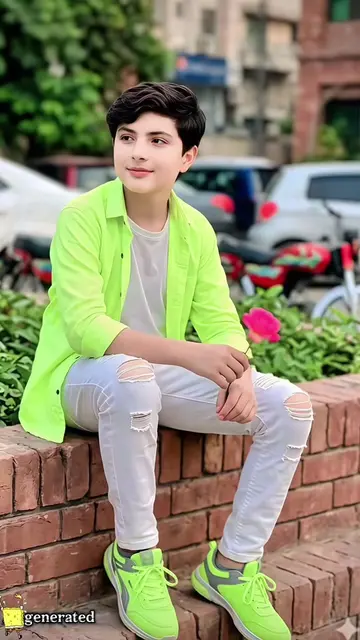
The video effectively uses a popular TikTok template and provides clear, step-by-step instructions in Urdu, making it easy for viewers to replicate the effect using the Hypic app.
The video demonstrates how to use the Hypic app to apply a photo template and create a specific effect. It guides viewers through the steps of finding the template on TikTok, then using it within the Hypic app by uploading a photo.
طریقہ بہت آسان ہے، صرف ایک تصویر اپ لوڈ کر کے ایک کلک سے یہ اثر بنا سکتے ہیں۔ طریقہ درج ذیل ہے: 1. ویڈیو کے بائیں نچلے حصے میں ٹیمپلیٹ پر کلک کریں 2. ٹیمپلیٹ نظر نہیں آرہا؟ تو میری پروفائل تصویر👤 پر کلک کریں 3. میرے پروفائل پر جاکر یہ ویڈیو دوبارہ کھولیں 4. ویڈیو کے بائیں نچلے حصے میں ٹیمپلیٹ تلاش کریں 5. ٹیمپلیٹ استعمال کریں پر کلک کریں 6. تصویر اپ لوڈ کریں🖼️ 7. اثر تیار ہونے کا انتظار کریں چہرے کا ایسا ہی اثر کیسے حاصل کریں؟ طریقہ بہت آسان ہے، صرف ایک تصویر اپ لوڈ کر کے ایک کلک سے بنا سکتے ہو۔ طریقہ درج ذیل ہے: 1. ویڈیو کے بائیں نچلے حصے میں ٹیمپلیٹ پر کلک کریں 2. ٹیمپلیٹ نظر نہیں آرہا؟ تو میری اوتار👤 پر کلک کریں 3. میرے پروفائل پیج پر جا کے یہ ویڈیو دوبارہ کھولیں 4. ویڈیو کے بائیں نچلے حصے میں ٹیمپلیٹ تلاش کریں 5. ٹیمپلیٹ استعمال کریں پر کلک کریں 6. تصویر اپ لوڈ کریں🖼️ 7. تیار ہونے کا انتظار کریں Kaese apne chehre ka yahi effect hasil karein? Tariqa bohat aasan hai, sirf ek tasveer upload kar ke ek click se banayein. Tariqa niche diya gaya hai: 1. Video ke baayein niche hisse mein template par click karein 2. Template nazar nahi aa raha? To meri profile tasveer 👤 par click karein 3. Mere profile par ja ke yeh video dobara kholein 4. Video ke baayein niche hisse mein template dhoondhein 5. Template istemaal karein par click karein 6. Tasveer upload karein 🖼️ 7. Effect taiyaar hone ka intezaar karein كيف تحصل على نفس تأثير الوجه؟ الطريقة بسيطة جدًا، ما عليك سوى تحميل صورة واحدة لإنشاء التأثير بنقرة واحدة، والخطوات كالتالي: 1. انقر على القالب في الأسفل الأيسر من الفيديو 2. لا ترى القالب؟ انقر على صورة ملفّي الشخصي👤 3. افتح هذا الفيديو مرة أخرى في صفحتي الشخصية 4. ابحث عن القالب في الأسفل الأيسر من الفيديو 5. انقر على استخدام القالب 6. قم بتحميل الصورة🖼️ 7. انتظر حتى ينتهي الإنشاء How to get this same facial effect? It’s very easy. Just upload a photo to generate it with one click. Here’s how: 1. Tap Template at the bottom‑left corner of the video 2. Can’t see the template? Tap my profile picture👤 3. Re‑open this video on my profile page 4. Find the template at the bottom‑left corner of the video 5. Tap Use Template 6. Upload your photo🖼️ 7. Wait for generation
طریقہ بہت آسان ہے، صرف ایک تصویر اپ لوڈ کر کے ایک کلک سے یہ اثر بنا سکتے ہیں۔
Showcase of couple with moon filter
Demonstration of using a TikTok template
Instructions to find and use the template in Hypic
Applying the template to a photo
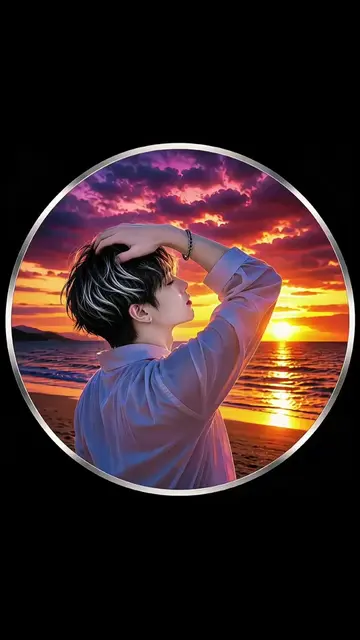
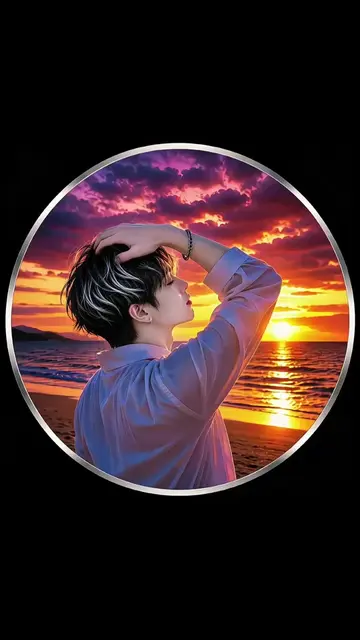
Final result of the AI photo effect
Hypic: ACTS - it is an app used to apply photo templates and effects, and removing it would change what happens in the video. Removing it would change what happens in the video. TikTok: APPEARS - it is a watermark and platform where the video is hosted, and removing it would not change what happens in the video.
Use template on Hypic
Playing this video’s own audio, so you’ll hear the creator over the sound.
AI photo-editing app for people creating retouched and stylized images
Views and creators: posted in the last 30 days (all languages). Videos: all time.
Promotes 3 products. Create free account to see more.
Outliers and viral hits: their videos on Overshot, all time.